
How to Sign a PDF Offline on Windows Without Uploading It
You can sign a PDF on Windows without uploading it by using a desktop tool: Microsoft Edge's Draw feature, Adobe Acrobat Reader's Fill & Sign, or an offline signer such as SignDesk. All of them add a visible signature on your PC and save a new copy. This guide shows each method, what the result is, and when a visible signature is not enough.
What kind of signature are you adding?
Most free tools add a visible signature: a drawn, typed or image signature placed on the page. It is the equivalent of signing a printout and scanning it.
A certificate-based digital signature is different. It is tied to a certificate and can be validated by PDF readers. If a contract or authority asks for one, a drawn signature will not satisfy it. Ask the requester which kind they accept before you sign.
How do I sign a PDF in Microsoft Edge?
Edge opens PDFs by default and its Draw tool works offline. It suits a quick handwritten-style mark, and is not designed for managing a signature library.
- Right-click the PDF, choose Open with, then Microsoft Edge.
- Select Draw in the toolbar and pick a color and thickness.
- Draw your signature with the mouse, a touchscreen or a pen.
- Use the eraser to fix mistakes, then choose Save as to write a copy.
- You redraw the signature each time unless you copy it from an earlier document.
- There is no dedicated date or text field tool in the Draw mode, so use another tool for those.
How do I sign with Adobe Acrobat Reader?
The free Reader has a Fill & Sign tool that adds a typed, drawn or image signature, plus text and dates. It saves a visible signature, not a certificate-based one.
- Open the PDF in Acrobat Reader and choose Fill & Sign.
- Select Sign yourself, then Add signature, and type, draw or import your signature.
- Click the page where it belongs and resize it.
- Use Add text for the date, then save the file under a new name.
- Reader may show prompts for its cloud and subscription features. Fill & Sign itself works on a local file.
How do I sign a PDF offline with SignDesk?
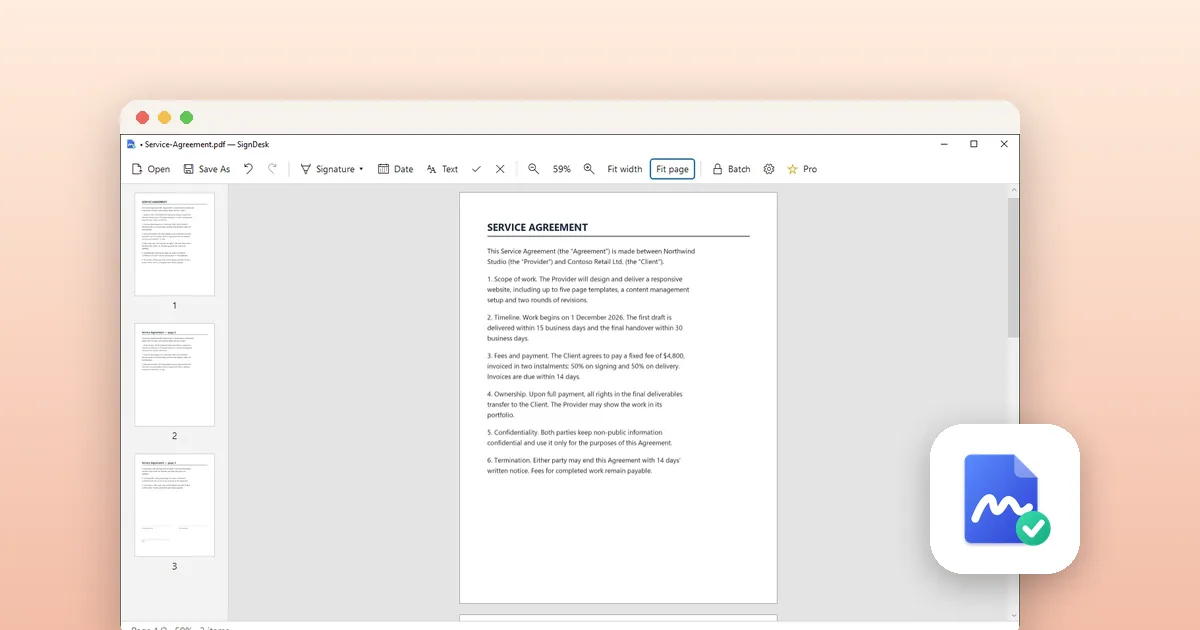
SignDesk is a LoopOtter app made for this one task. According to its listing, signing happens fully offline: no upload, no account and no ads. You create a signature once and reuse it from a local library.
The Save As command writes a flattened PDF, meaning the signature becomes part of the page and cannot be moved by the recipient. Your original file stays untouched.
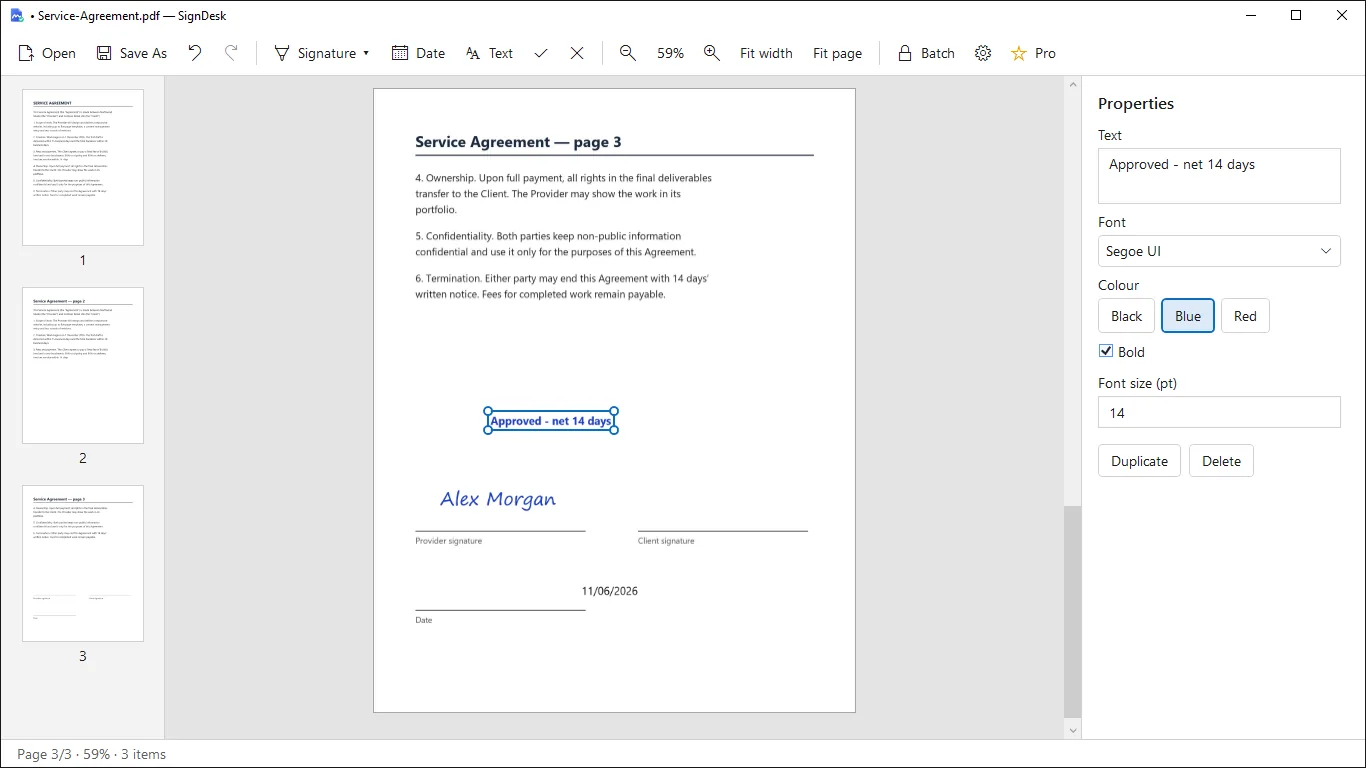
- Open SignDesk and drop a PDF into the window, or click Open.
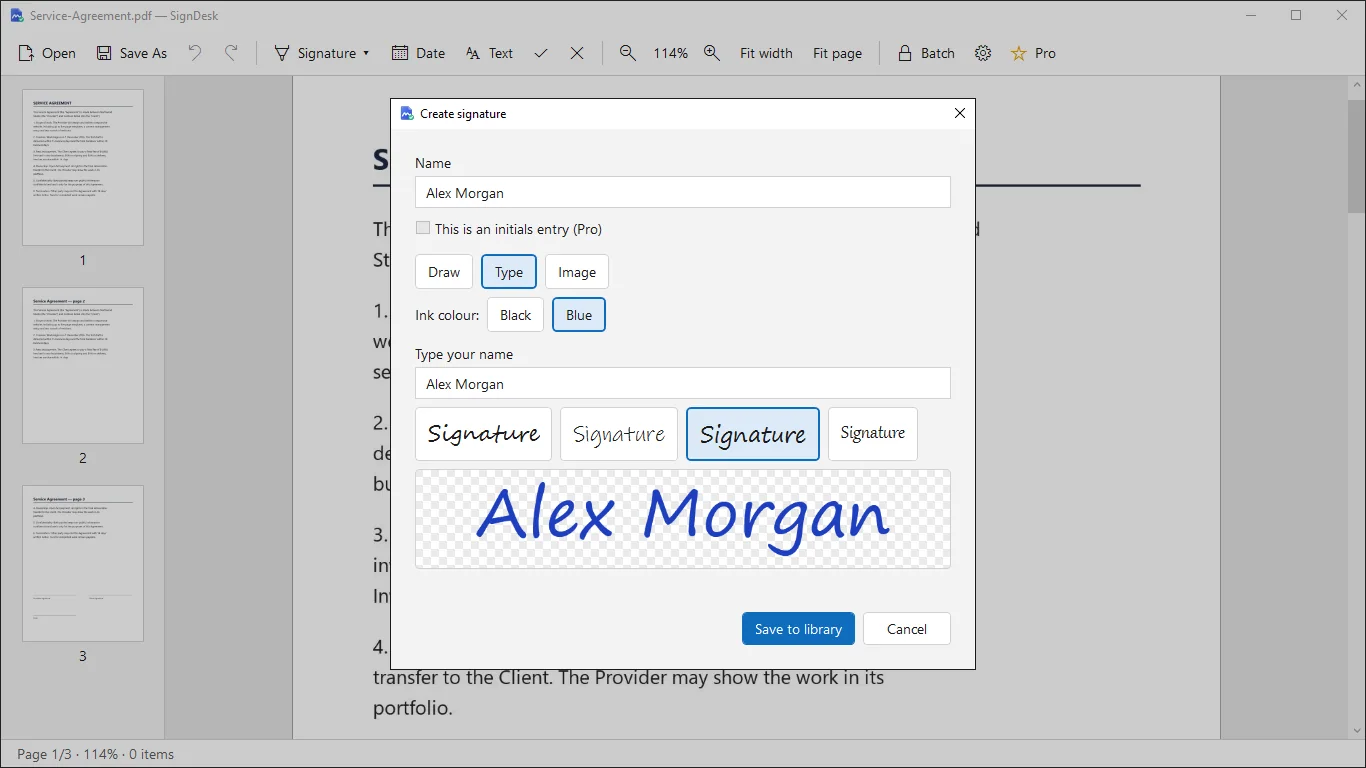
- Open the Signature menu and create a signature: draw it, type it or import an image.
- Click the Signature button, then click the page to place it. Drag the handles to move or resize it.
- Add the date, text, check marks or crosses from the toolbar. Undo and Redo are available.
- Click Save As and name the new file. Send that copy.
- Free and Pro differ in limits: Pro is a one-time purchase that adds unlimited exports and signatures, initials and batch signing.
- Saved signatures stay in a local library on your PC.
How do I create a signature that looks right?
A drawn signature looks most natural with a pen or touchscreen. With a mouse, a typed signature in a script font is often cleaner. You can also sign on paper, photograph it against a white background and import the image.
How can I check that my PDF was not sent anywhere?
Desktop tools read the file from disk. To be sure, disconnect from the network and repeat the signing steps. If the tool still works and saves the file, nothing needed the internet.
Be more careful with free web signers that say they run in the browser. Test them offline too before using them on private contracts.
Tools for this
SignDesk: Offline PDF Sign
Sign and fill PDFs offline on Windows. Drop in your saved signature, add text, and export without cloud uploads.
FAQ
Can I sign a PDF on Windows for free without an account?
Yes. Edge's Draw tool needs no account, and Acrobat Reader's Fill & Sign works on local files. SignDesk also needs no account; its free edition has limits that Pro removes.
Is a drawn signature legally valid?
It depends on the document and the country. Some agreements accept a visible signature, others require a certificate-based digital signature. Ask the person requesting the signature which they require.
What does flattening a signed PDF mean?
Flattening merges the signature and text into the page content, so the recipient cannot move or remove them as separate objects.
Will my original PDF be changed?
Not with SignDesk. Save As creates a new copy and leaves the original untouched. In any tool, save under a new name to keep the original.