 SignDesk: Offline PDF SignWindows app
Sign PDFs offline on your PC — no uploads, no account
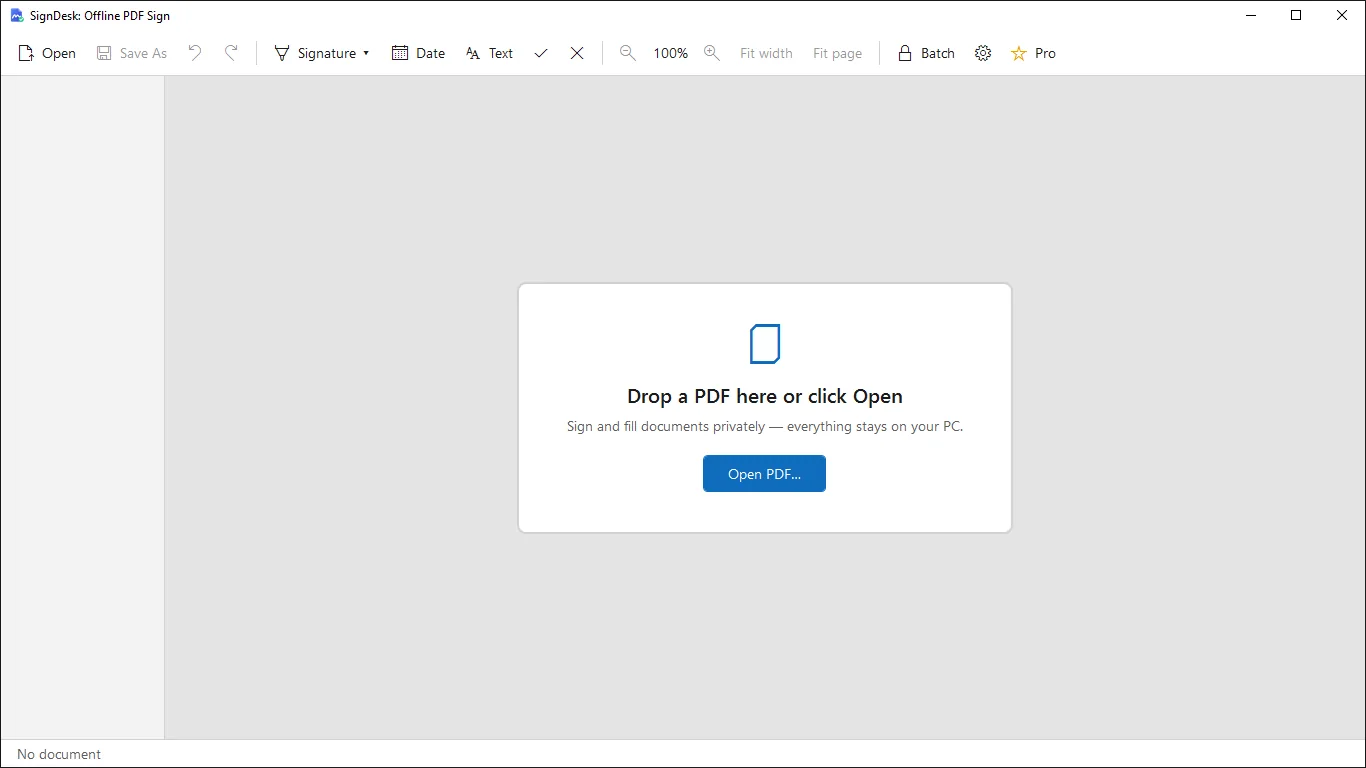
Open a PDF, drop in your saved signature, add the date and a few lines of text, then save a copy that is ready to send. Everything stays on your computer.

Everything you need to sign a PDF
Works fully offline
No upload, no account, no cloud sync, no ads, no analytics. Contracts and forms never leave your PC.
Reusable signature library
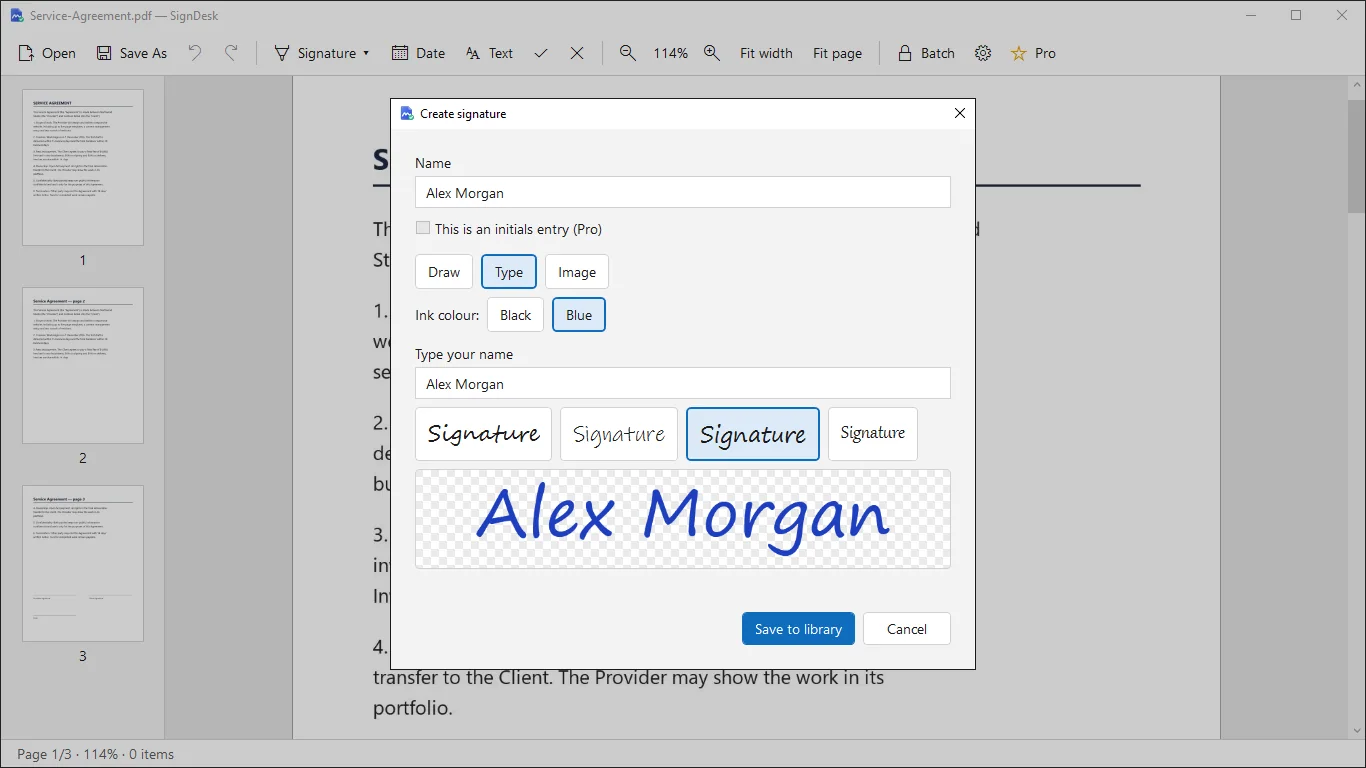
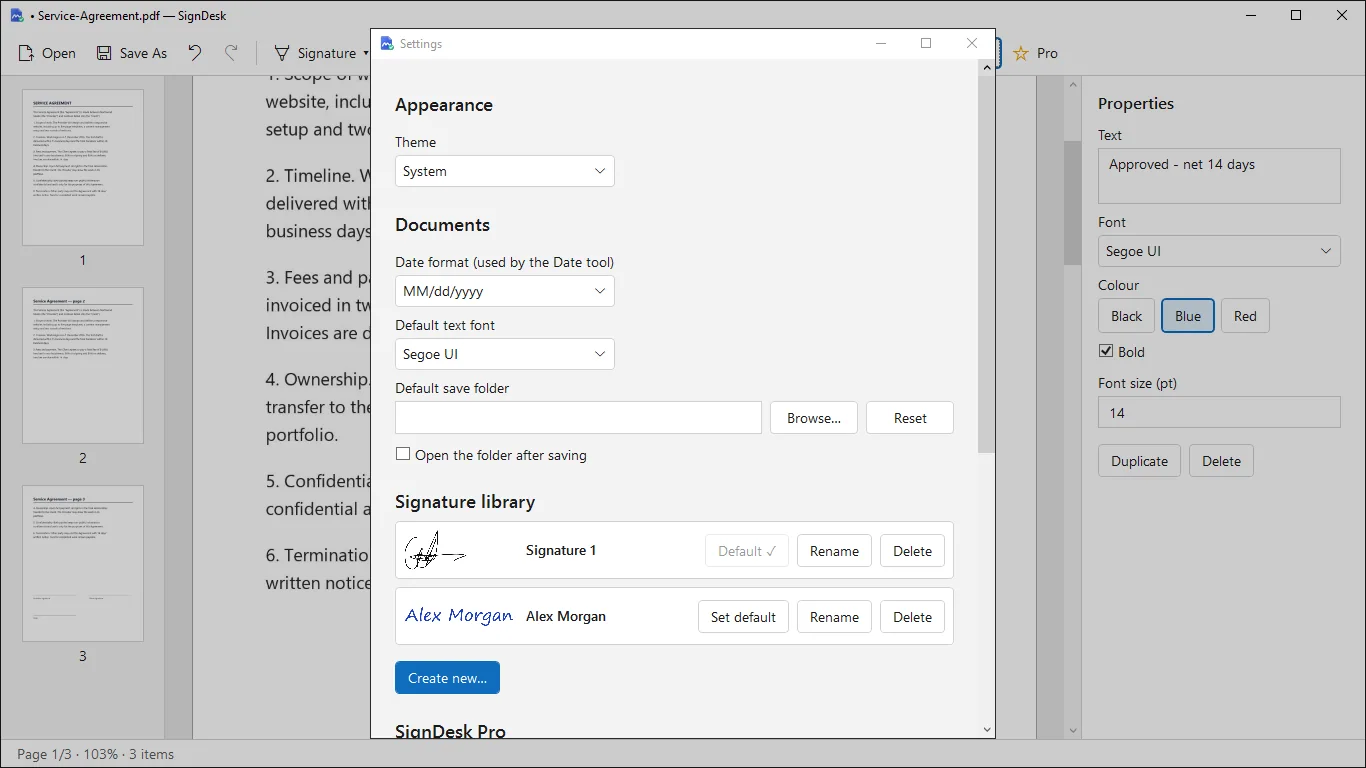
Create your signature once. Draw it with a mouse, pen or finger, type it in a handwriting font, or import a photo.
Date, text, check marks
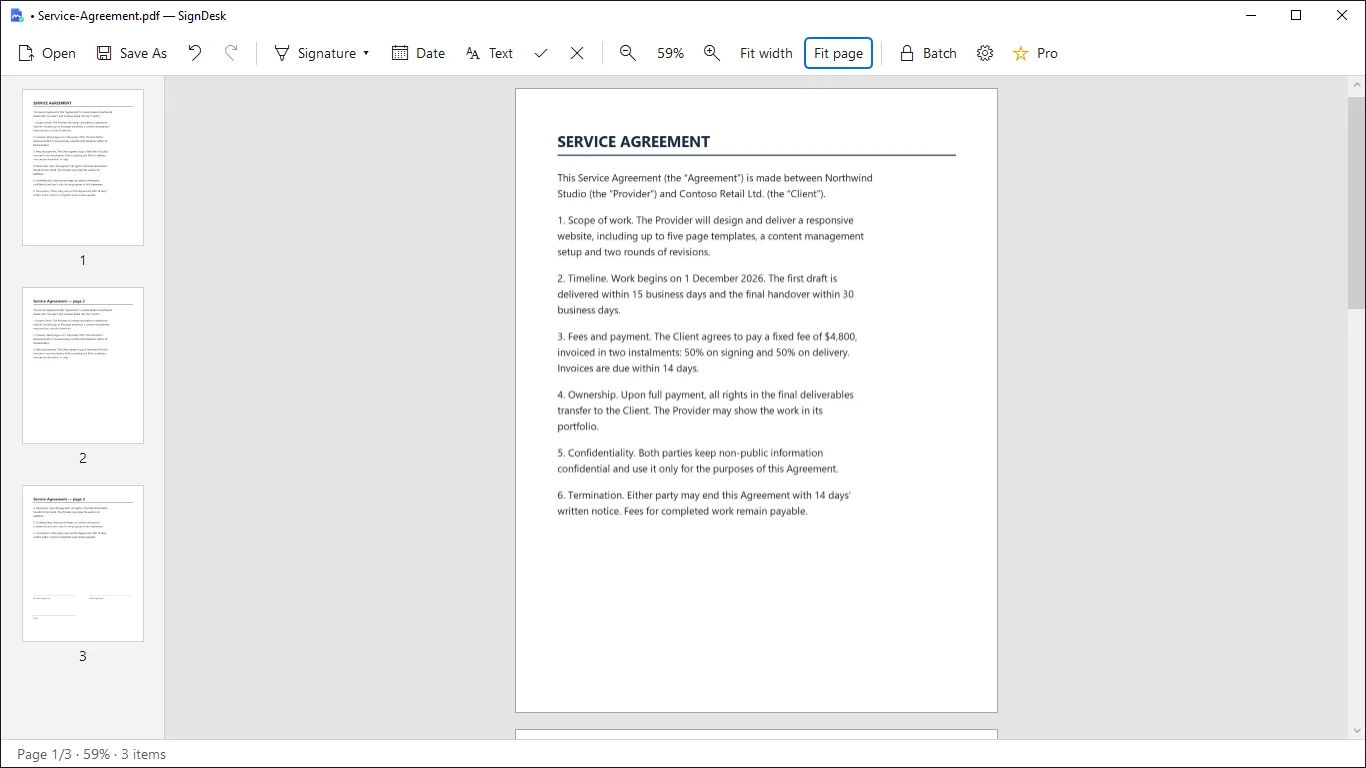
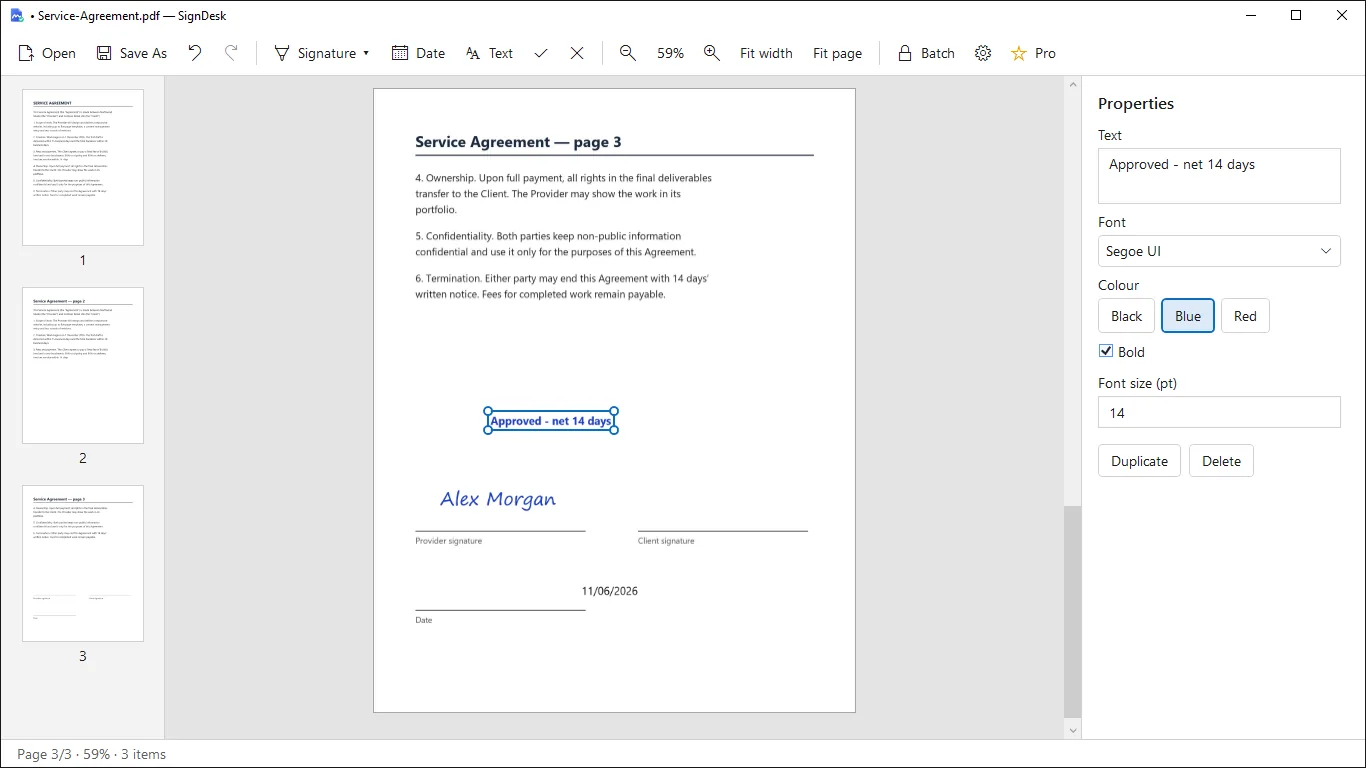
Place signatures, dates, free text, check marks and crosses anywhere on the page to fill in a PDF form.
Move, resize, undo
Drag items, resize with corner handles, duplicate or delete them. Undo and Redo work for every step.
Original file stays safe
Save As creates a new flattened PDF. Your original is never overwritten. No watermark.
Easy to read and navigate
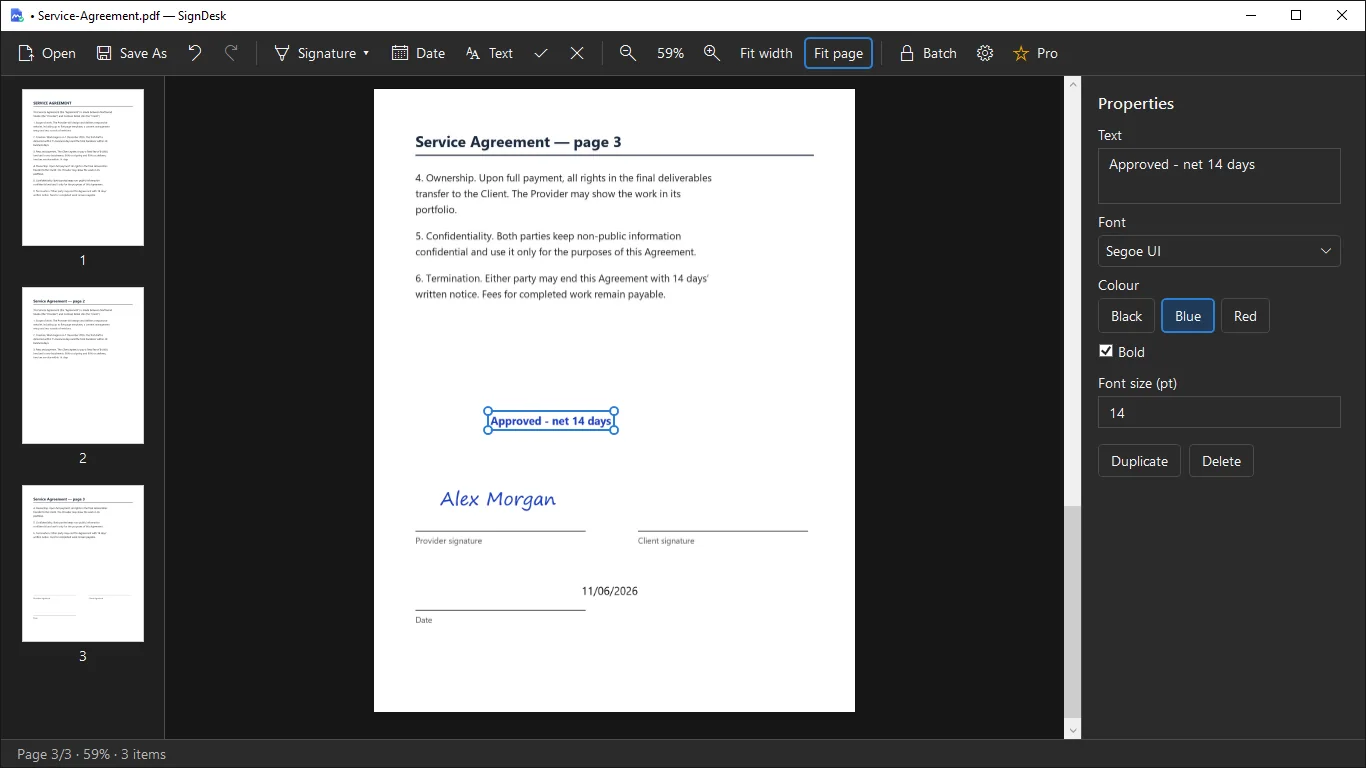
Page thumbnails, zoom 25–400%, Fit width, Fit page, keyboard shortcuts, and light or dark theme.
How it works
- Get it from the Microsoft Store and open a PDF with a click or drag and drop.
- Pick your saved signature, then add the date, text or check marks where you need them.
- Click Save As to get a flattened PDF copy that is ready to send.
Screenshots
Great for
Sign contracts and agreements
Add your signature and date to a contract without printing, scanning or uploading it anywhere.
Fill in forms and letters
Type in text, tick boxes with check marks and sign letters, applications and permission slips.
Handle sensitive documents
Keep private paperwork on your own PC while you sign it, since the app works without the internet.
SignDesk Pro (Lifetime)
- Unlimited exports
- Unlimited signature library with initials
- Batch signing of many PDFs at once
- No subscription
Free includes unlimited viewing and editing, 3 exports per day and 3 saved signatures.
FAQ
Can I sign a PDF offline on Windows?
Yes. SignDesk runs on your PC and does not need the internet. Open a PDF, place your signature, and save a new copy. Purchases go through the Microsoft Store.
Is it safe? Are my documents uploaded?
No uploads. There are no accounts, cloud sync, ads or analytics. Signatures and settings stay on your PC and are removed when you uninstall the app.
Is SignDesk free?
Yes, the app is free with no watermark. It allows 3 exported documents per day and 3 saved signatures. Pro is a one-time 7.99 USD purchase that removes those limits.
How do I create my signature?
Draw it with a mouse, pen or finger, type your name in a handwriting-style font, or import a photo of your real signature. The white background is removed automatically.
Is this a legally binding digital signature?
SignDesk places an image of your signature on the page. It is not a certificate-based digital signature and adds no cryptographic signature. Check what your recipient requires.
Does it work with password-protected PDFs?
Not yet. Password-protected PDFs are not supported. The interface is in English, and the app is built for Windows PCs.
Get SignDesk free from the Microsoft Store