
 PromptPane TeleprompterWindows app
A floating teleprompter for your Windows PC
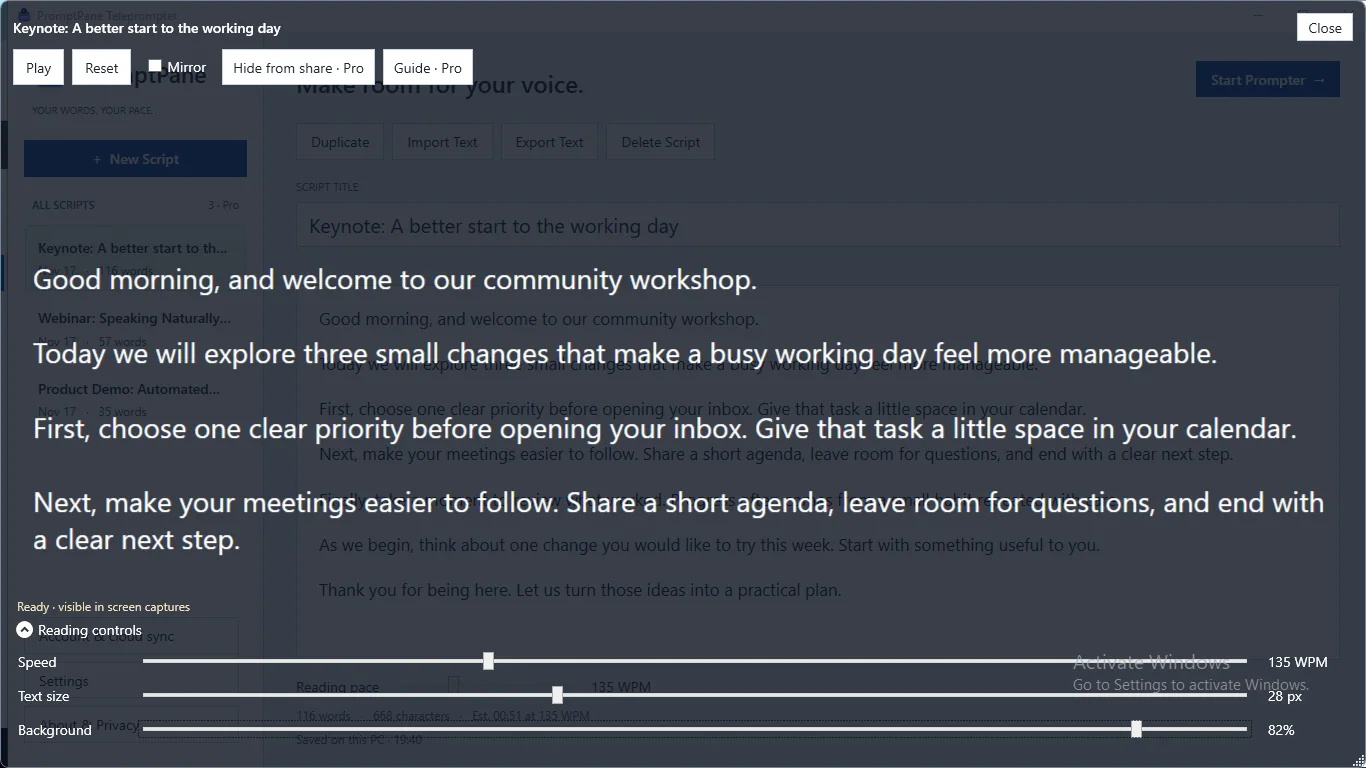
Keep your script right next to your webcam and your eyes on your audience. Write, set your pace and read from a see-through, always-on-top window.

What the free teleprompter includes
Floating, always-on-top window
Move and resize the prompter near your camera. Set background opacity from 10% to 90% so you can still see what is behind it.
Scripts that save themselves
Write with no character limit. Scripts autosave on your PC, and you can keep up to three. Word count and reading time update as you type.
Your pace, your text size
Scroll from 60 to 300 WPM and set text from 16 to 48 px. Play, pause, jump back to the start or scroll by hand to revisit a line.
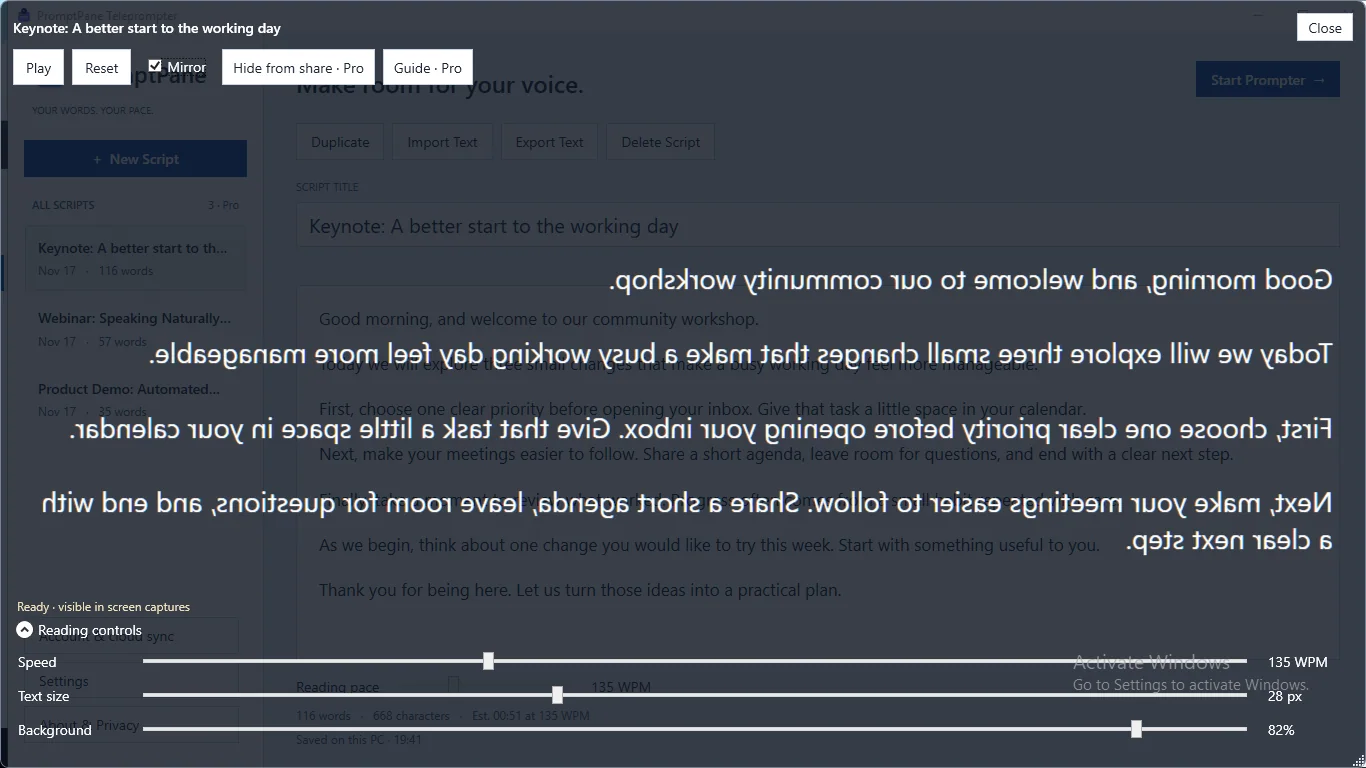
Mirror mode for teleprompter glass
Flip the text horizontally when you read through a reflective teleprompter glass. Mirror mode is included in the free edition.
Import, export and appearance
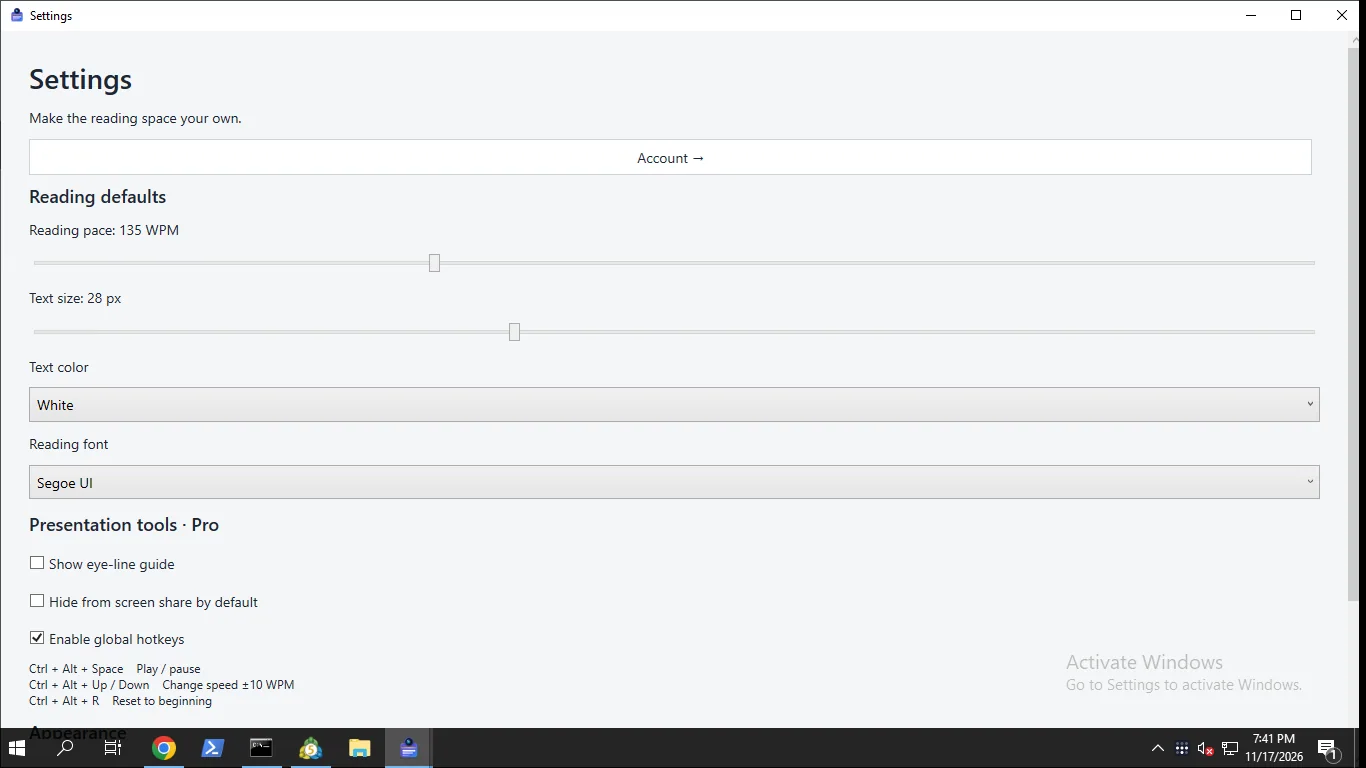
Import plain text, duplicate scripts and export text or script JSON. Pick reading fonts, text colors and Light, Dark or System appearance.
How it works
- Get it from the Microsoft Store and open PromptPane Teleprompter.
- Write or import your script, then choose your pace and text size.
- Start the prompter, drag it under your webcam and read.
Screenshots
Great for
Webinars and online talks
Keep your talking points beside the camera so you can look at the lens instead of down at your notes.
Video rehearsals
Practice a script at a set pace and check the estimated reading time before you record.
Presentations with notes
Keep presentation notes in a small window you can place wherever you need it on screen.
PromptPane Pro (Lifetime)
- Keep more than three scripts
- Global keyboard shortcuts to control playback from another app
- Eye-line guide to help you follow the script
- Request Windows capture exclusion for the prompter window (Windows 10 build 19041 or later; results vary by capture software)
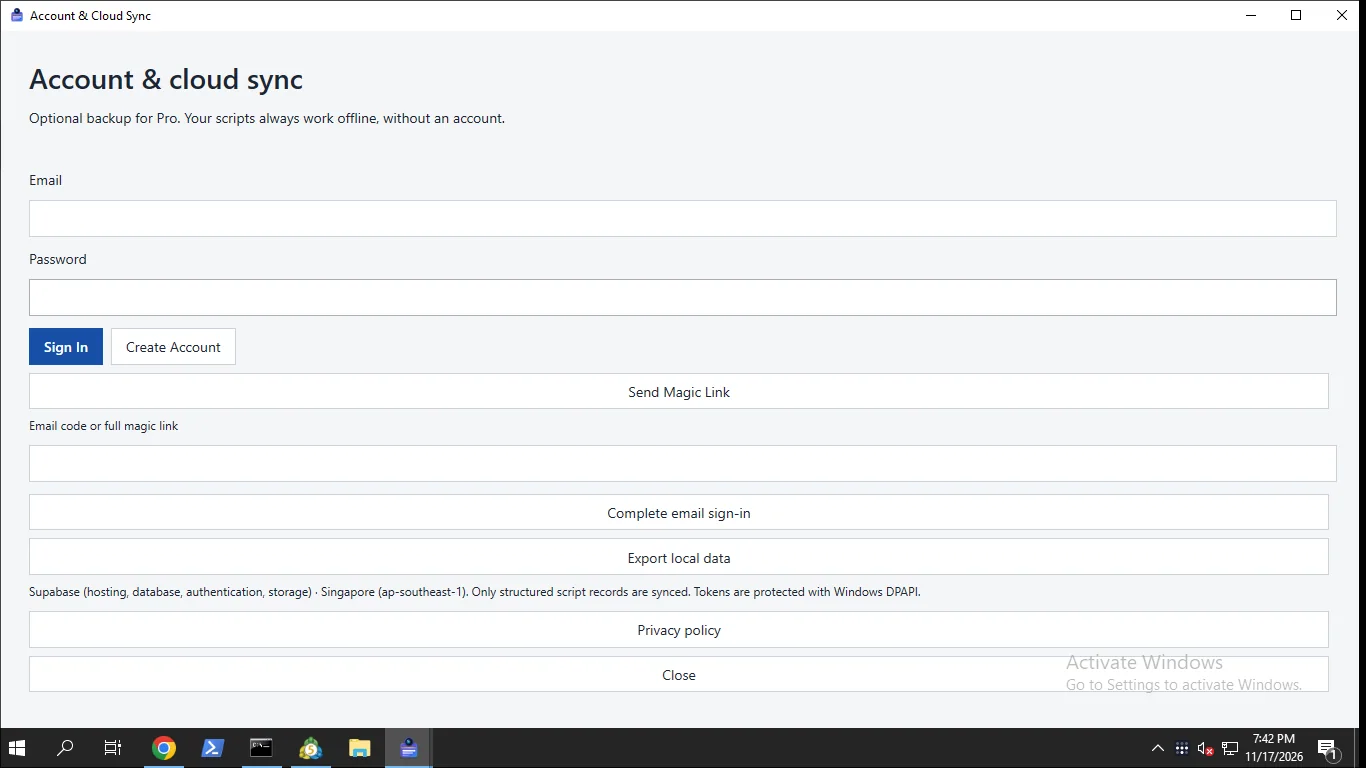
- Optional account with cloud sync of your script records between Windows PCs
One-time purchase through the Microsoft Store, no subscription. The free edition stays fully usable.
FAQ
Is this teleprompter free?
Yes. The app is free, with no character limit and up to three local scripts. Pro is an optional one-time upgrade for 4.99 USD through the Microsoft Store, with no subscription.
Does it work offline without an account?
Yes. Editing and prompting work offline, and no account is needed. Internet is only needed for purchases, license checks, account services and cloud sync.
Is my script private?
Scripts are saved on your PC. If you choose Pro cloud sync, Supabase in Singapore stores your email and script records over HTTPS. They are not end-to-end encrypted. There are no ads or third-party trackers.
Can I hide the teleprompter during screen sharing?
Pro can request Windows capture exclusion on Windows 10 build 19041 or later. Results depend on your recording or sharing software, so test your setup first. It is not a guarantee.
Does the text scroll with my voice?
No. Scrolling runs at the pace you set, and you can scroll manually. PromptPane does not record your screen, webcam or microphone.
What do I need to run it?
A 64-bit Windows PC. The core app runs on Windows 10 version 1809 or later, and capture exclusion needs build 19041 or later. The app is in English only.
Guides
Get PromptPane from the Microsoft Store