
 Batch Hash VerifierWindows app
Fast checksum verifier for Windows that hashes offline
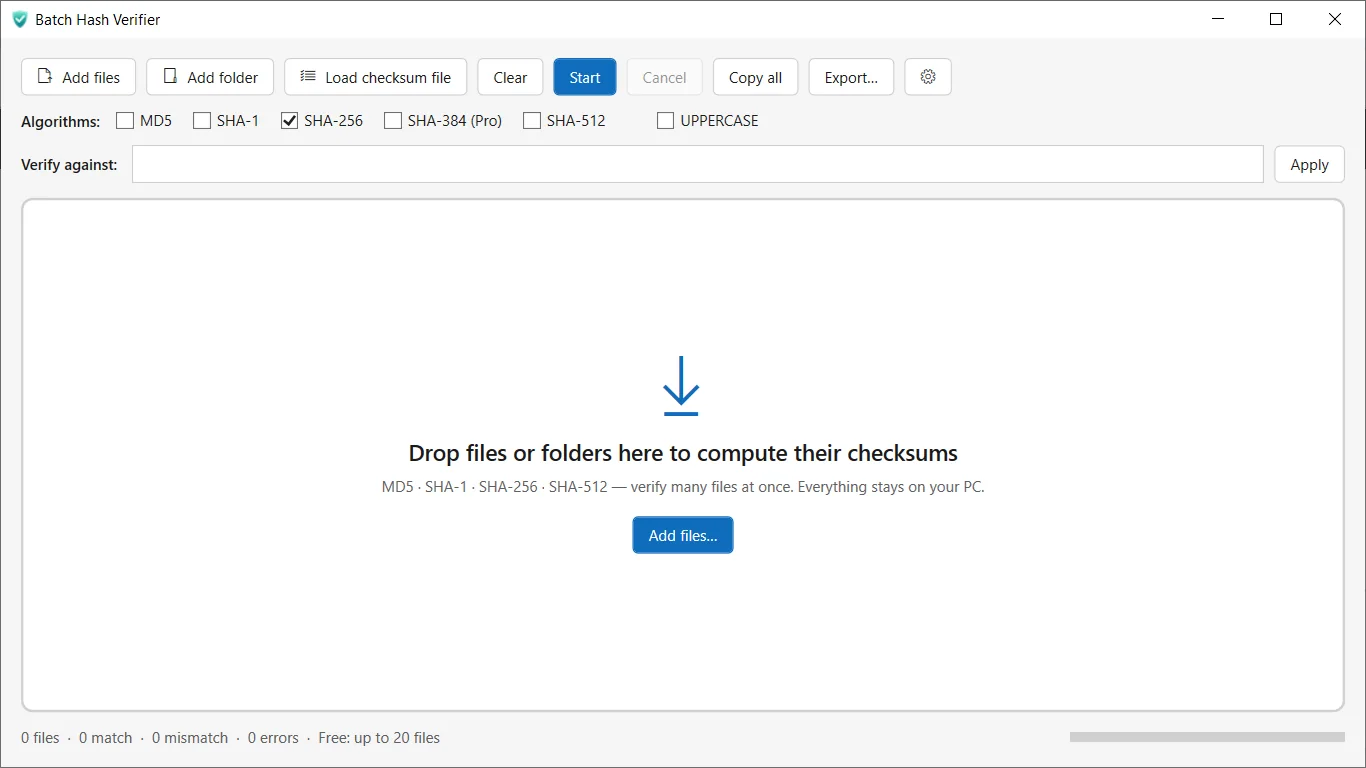
Drop in files to compute MD5, SHA-1, SHA-256, and SHA-512 in one clear table, or paste a hash to verify downloads instantly. Your files are processed entirely on your PC and never uploaded.

Tools to calculate and verify checksums
Batch hash calculation
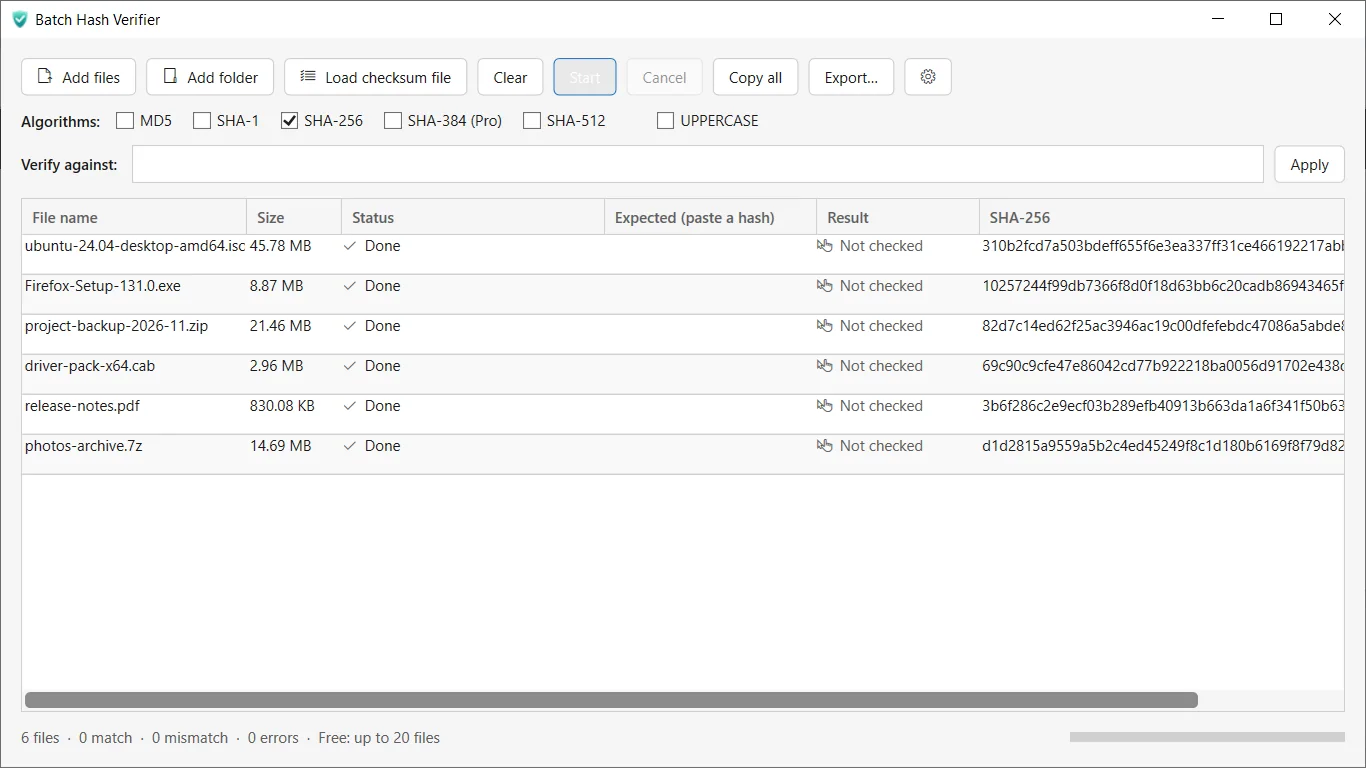
Drop in up to 20 files at once in the free version to calculate checksums in a single structured table. Monitor real-time progress or cancel anytime.
Automatic hash verification
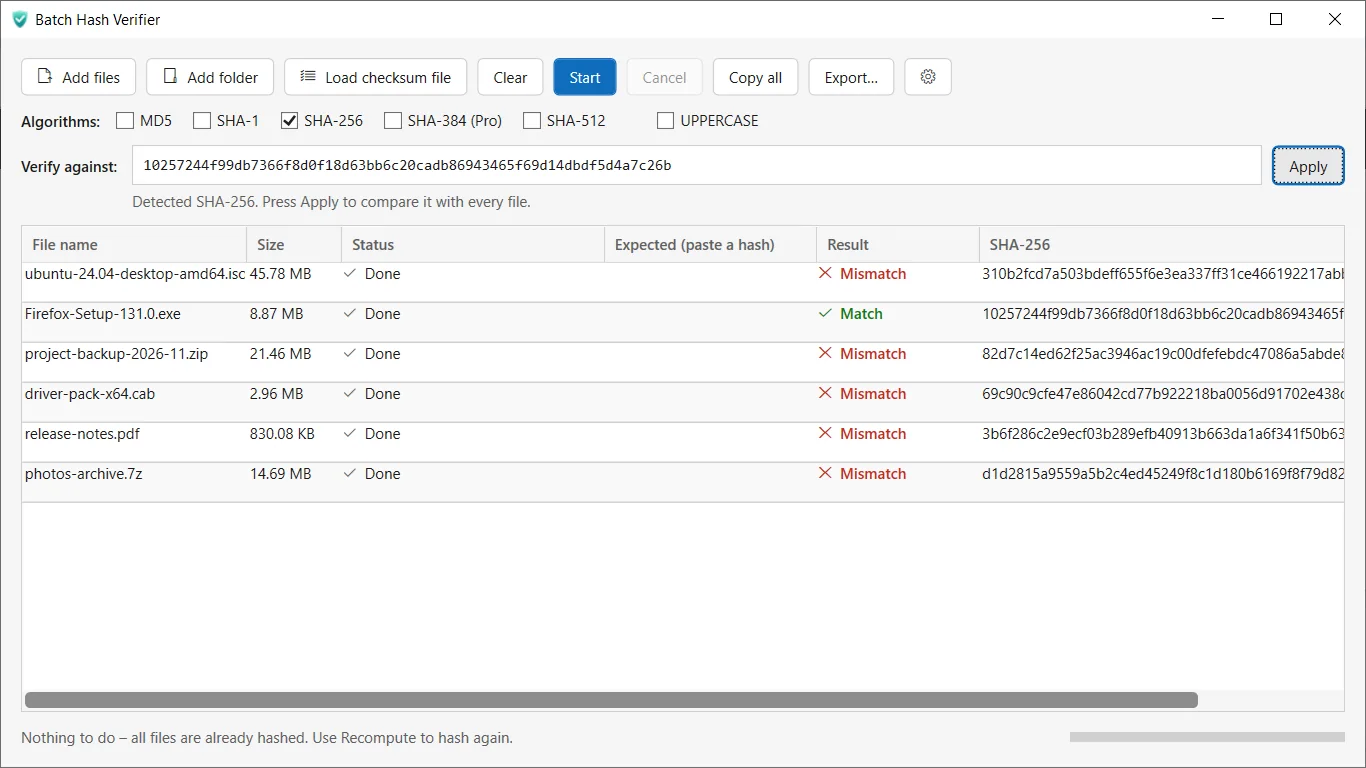
Paste a hash from a download page. The app automatically recognizes the algorithm by string length and displays an instant Match or Mismatch indicator.
Multiple standard algorithms
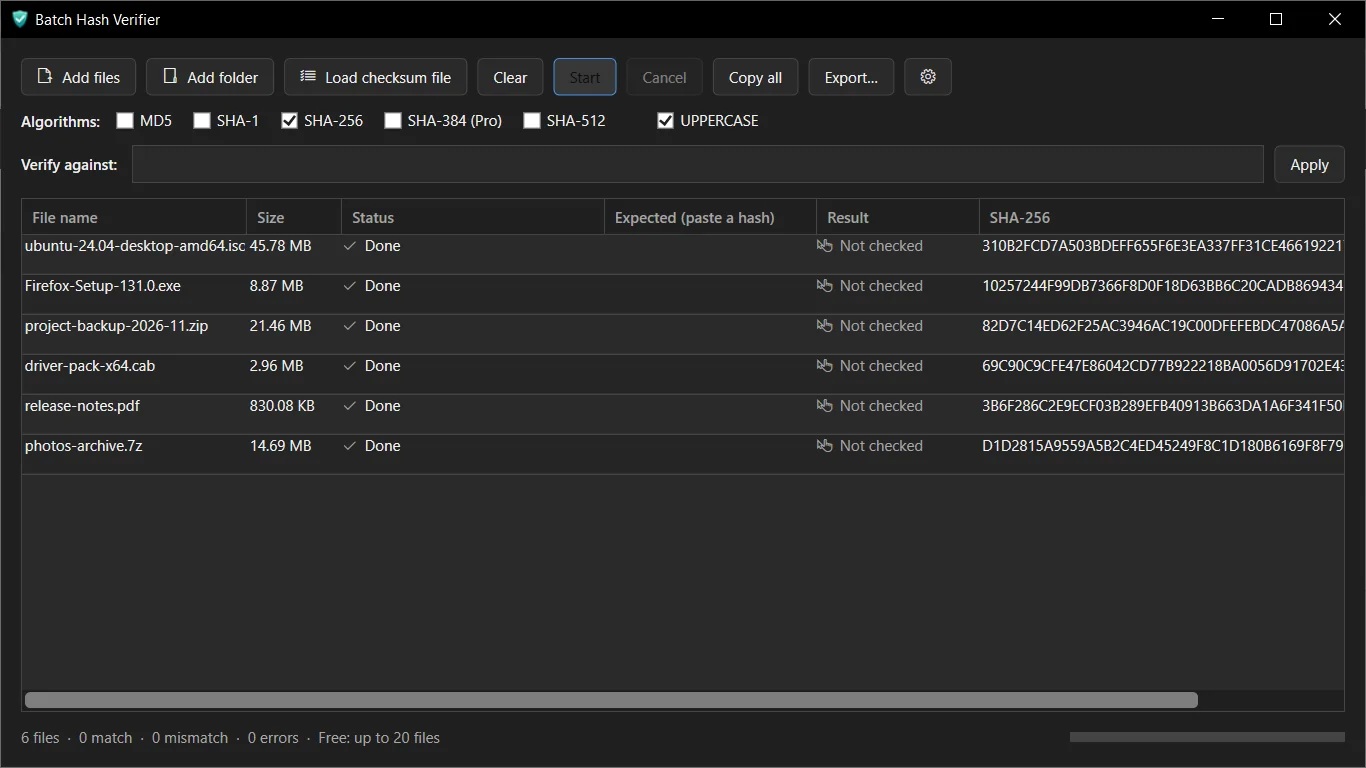
Generate industry-standard MD5, SHA-1, SHA-256, and SHA-512 checksums (plus SHA-384 in Pro). Toggle uppercase or lowercase display with a single click.
Streaming engine for large files
Hash gigabyte-sized files and disk images without freezing your screen. Efficient streaming with a 1 MB buffer keeps the Windows interface responsive.
100% offline and local privacy
Your files never leave your computer. Hashing runs entirely on local hardware with zero cloud uploads, no mandatory account sign-in, and no tracking.
Export to CSV and text reports
Copy any hash or copy the whole table with one click. Save complete audit reports to CSV or sha256sum-compatible TXT format for easy archiving.
How it works
- Get it from the Microsoft Store and launch Batch Hash Verifier on your Windows PC.
- Drag and drop files into the app window, or paste an expected checksum into the verification box.
- Select your hashing algorithm, watch real-time progress, and copy or export verified results.
Screenshots
Great for
Verify downloaded installers and ISOs
Compare downloaded installers, disk images, and zip files against the developer's published SHA-256 or MD5 hash before running them.
Audit file backups and transfers
Generate checksums for critical files before and after moving them across drives or networks to ensure zero data corruption.
Export checksum manifests
Save standard CSV or sha256sum text files to document file integrity for audits, digital preservation, or software releases.
Batch Hash Verifier Pro
- Unlimited files per batch (free version includes up to 20 files)
- Folder scanning with automatic recursive file discovery
- Load and verify against checksum files (sha256sum and BSD format)
- Calculate multiple hashing algorithms simultaneously
- Support for SHA-384 hashing algorithm
- Export audit reports to structured JSON and formatted HTML
Optional lifetime add-on with no recurring subscription. The free version remains free forever.
FAQ
How do I verify a downloaded file's checksum on Windows?
Drop your downloaded file into Batch Hash Verifier, then copy and paste the published checksum into the Expected box. The app detects the algorithm from the hash length and instantly flags whether it is a Match or Mismatch.
Is Batch Hash Verifier safe? Are my files uploaded to the cloud?
All hashing is performed 100% locally on your computer. Your files and personal data are never uploaded to any server. The app requires no account, contains no ads, and only connects anonymously to check store licensing or optional browser payments.
Is Batch Hash Verifier free to use?
Yes. You can calculate MD5, SHA-1, SHA-256, and SHA-512 for up to 20 files per batch and export results to CSV or TXT for free. An optional Pro lifetime add-on is available for 1.99 USD to unlock unlimited files, folder scanning, and multi-algorithm checks.
What are the system requirements for Batch Hash Verifier?
Batch Hash Verifier runs on Windows 10 and Windows 11 (64-bit). It is a lightweight desktop application with a native interface that supports both light and dark themes. A keyboard and mouse are recommended.
Can I verify checksum files like sha256sum or MD5 files?
Yes. With the Pro add-on, you can load standard checksum files (such as sha256sum or BSD style). The app resolves relative file paths, including files located in subfolders, and verifies the entire manifest in one run.
Guides
Get Batch Hash Verifier on the Microsoft Store