
 Horizon BarWindows app
A Mac-style menu bar for Windows 10 and 11
Horizon Bar docks a clean top bar to your screen with app menus, clock, Wi-Fi, battery, CPU stats and Spotlight-style search. Fully offline, no account.

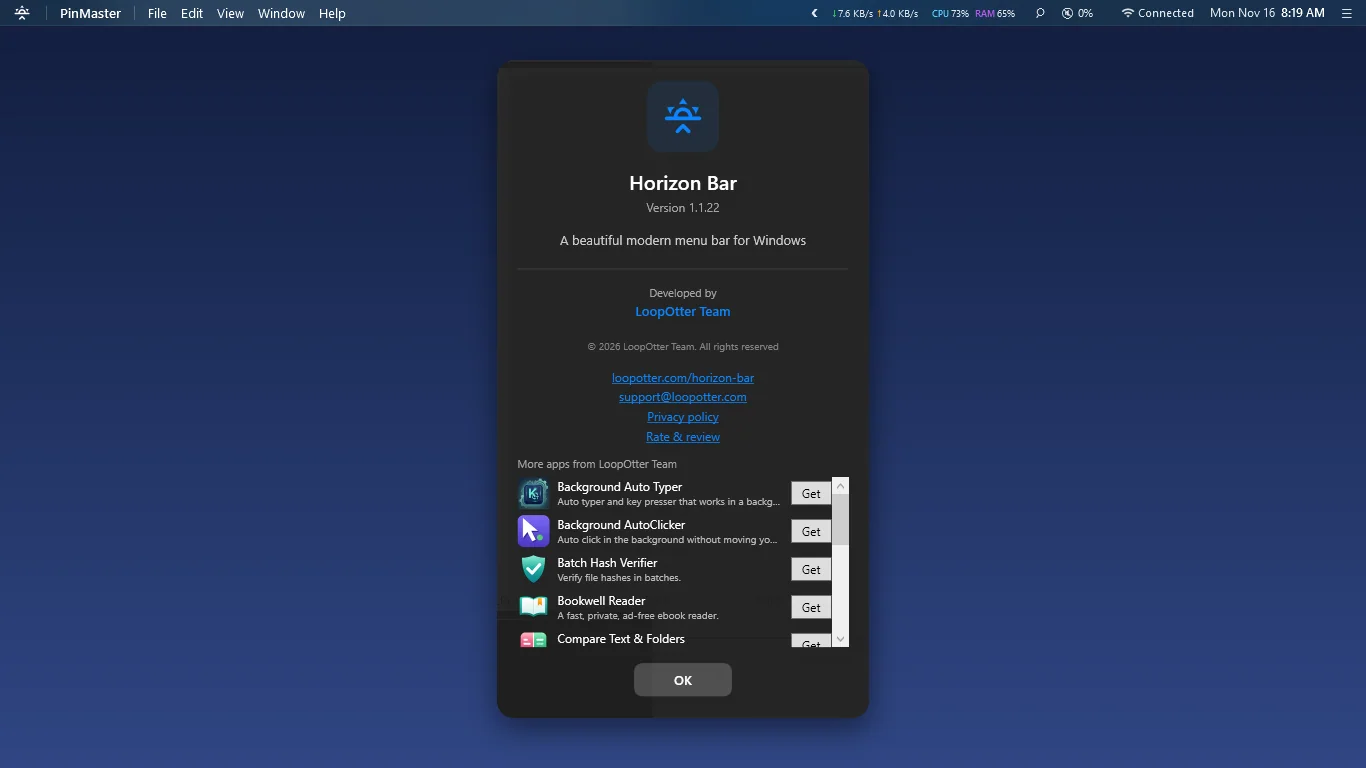
Everything on one clean top bar
Menu bar docked at the top
Maximized windows stop below the bar, so nothing gets covered. The bar hides on its own when another app goes fullscreen.
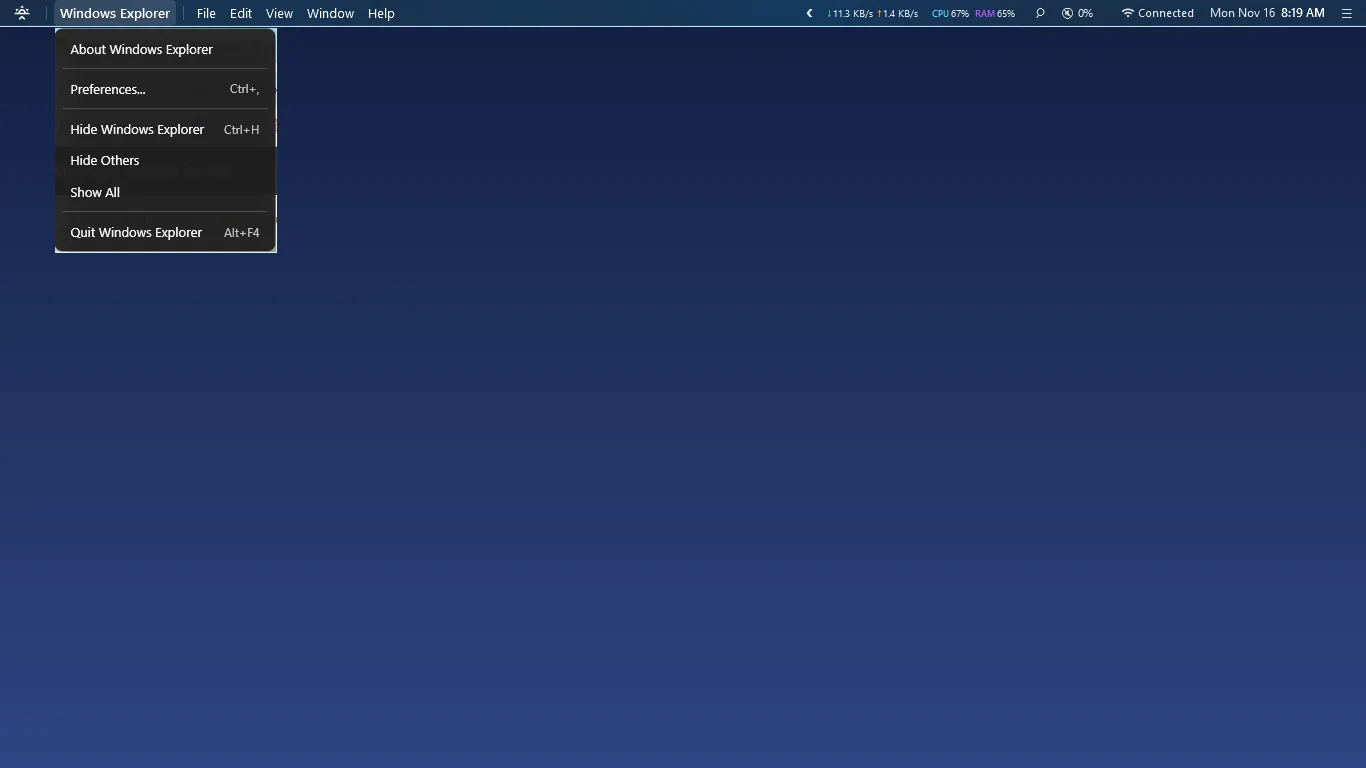
Active app name and menu
See which app is in front. Click its name for a dropdown with About, Preferences, Hide and Quit.
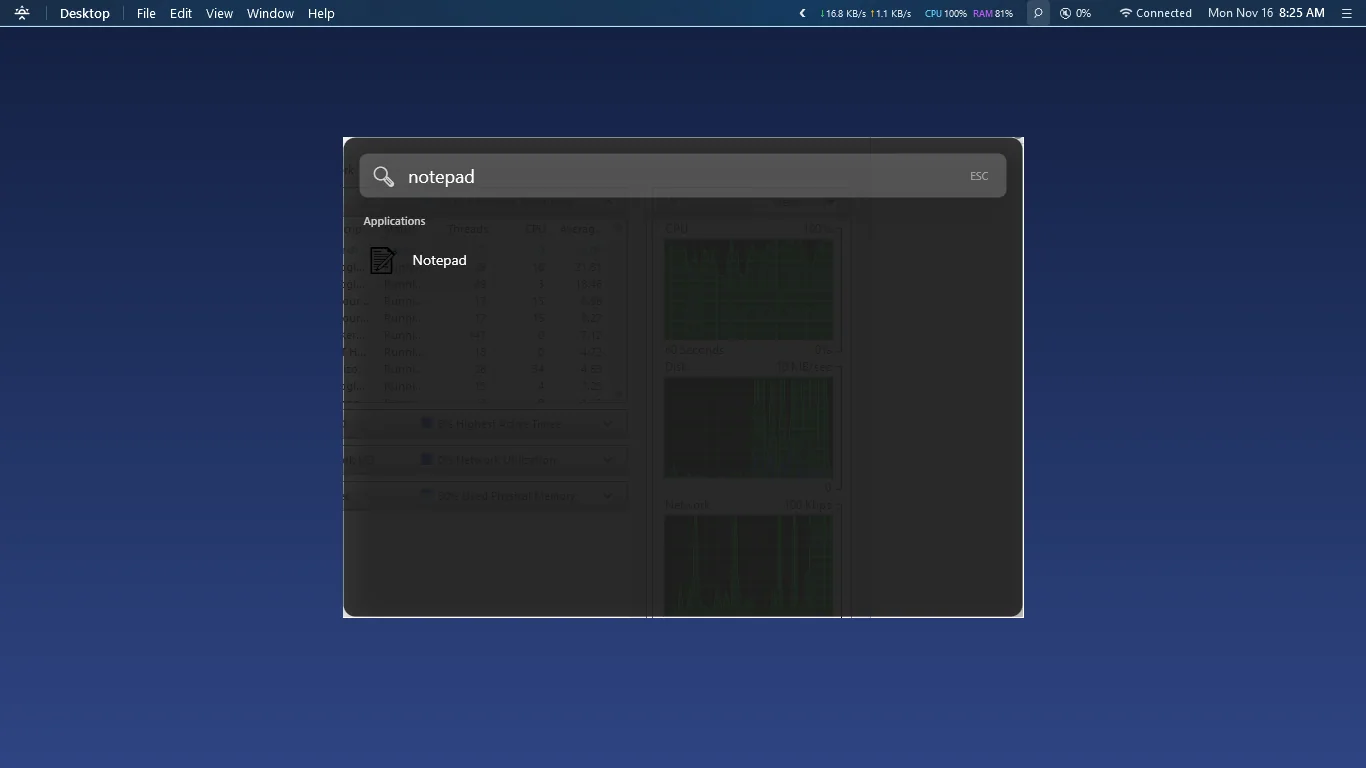
Spotlight-style search
Type to find apps, files and settings fast, without opening the Start menu.
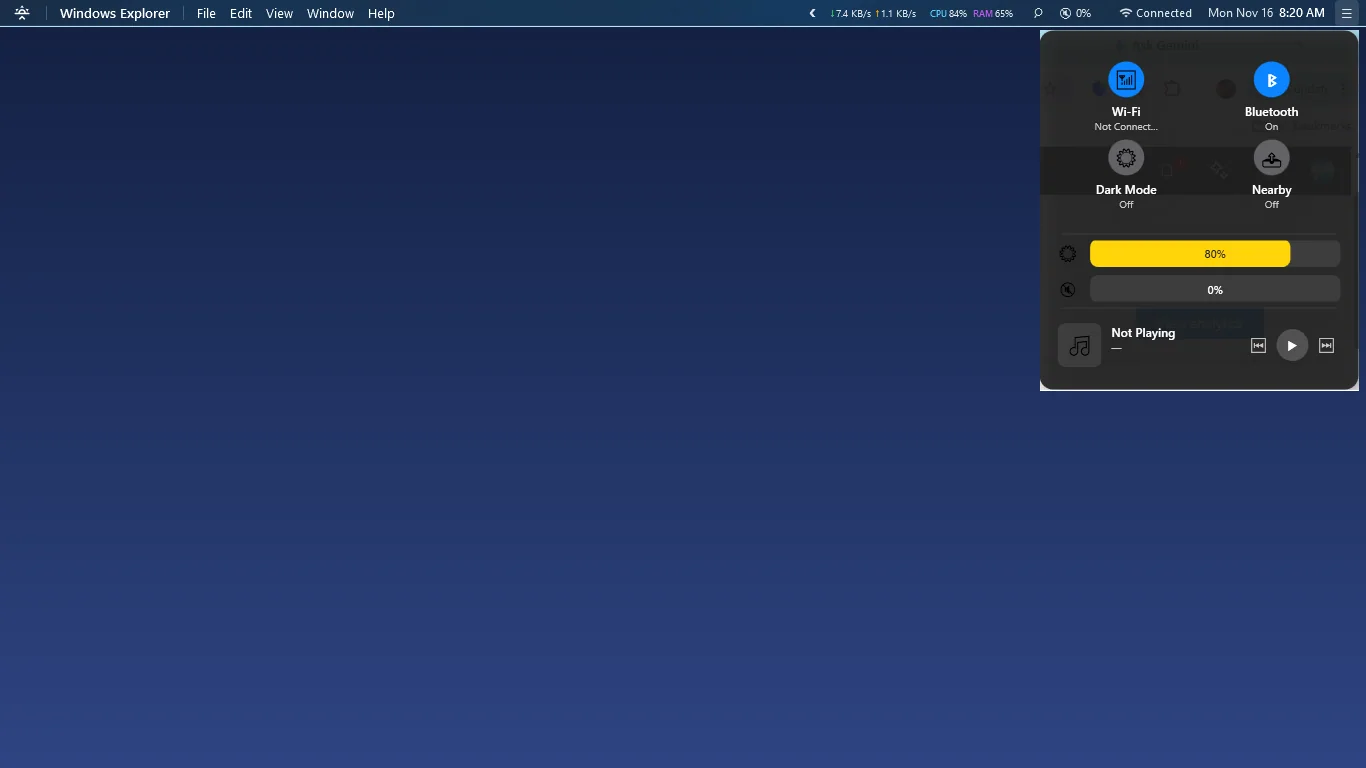
Control Center
Switch Wi-Fi, Bluetooth and Dark Mode, and adjust brightness, volume and media controls from one panel.
Live status at a glance
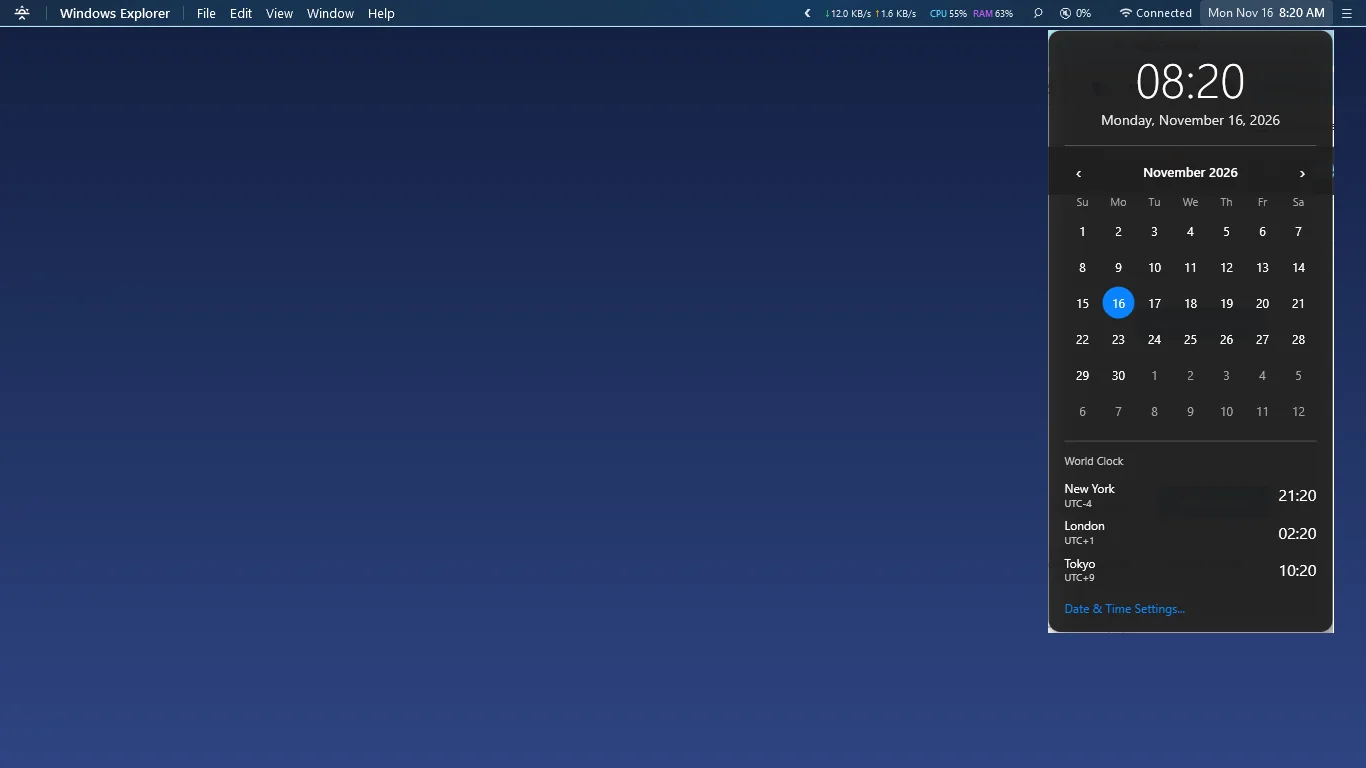
Clock with month calendar, Wi-Fi, volume, battery, CPU, RAM and network speed, always in view.
Dark or Light, your look
Pick a Dark or Light theme and set the bar's transparency to match your wallpaper.
How it works
- Get it from the Microsoft Store and launch Horizon Bar.
- The menu bar docks to the top of your screen; windows make room for it.
- Click the clock, status icons or app name, or search to find apps and files.
Screenshots
Great for
Switching from Mac to Windows
Keep the familiar top menu bar, app menu and search layout you already know.
Keep an eye on your PC
Watch CPU, RAM, network speed and battery without opening Task Manager.
A cleaner desktop look
Give your Windows desktop a tidy, macOS-inspired style with adjustable transparency.
FAQ
How do I get a Mac-style menu bar on Windows 10 or 11?
Install Horizon Bar from the Microsoft Store and open it. The bar docks at the top of your screen and maximized windows stop below it.
Is Horizon Bar safe and private?
Yes. It has no ads, no analytics and no account, and it sends no data to the publisher. Your settings stay on your PC. The purchase check is handled by the Microsoft Store.
Is Horizon Bar free?
It is a paid app, bought once through the Microsoft Store. The current price is shown on its Store page. There are no add-ons or subscriptions.
Does it work on Windows 10 and Windows 11?
Yes. Horizon Bar is made for Windows 10 and 11 and needs no special hardware. A keyboard and mouse are recommended. The interface is in English.
Does it need an internet connection?
No. Horizon Bar works fully offline. It shows your Wi-Fi status but needs no account or connection of its own.
Will the bar cover my fullscreen apps?
No. When another app goes fullscreen, the bar hides automatically. Maximized windows stop below the bar so nothing is covered.
Get Horizon Bar from the Microsoft Store