
 SessionHaven: Project Workspace SaverBrowser extension
Tab session saver to organize and restore project workspaces
Save your open tabs and tab groups into named workspaces, then restore the full window in one click. Everything stays safely on your device with crash-proof local storage and no account required.
Features built for project workspaces
Native tab group preservation
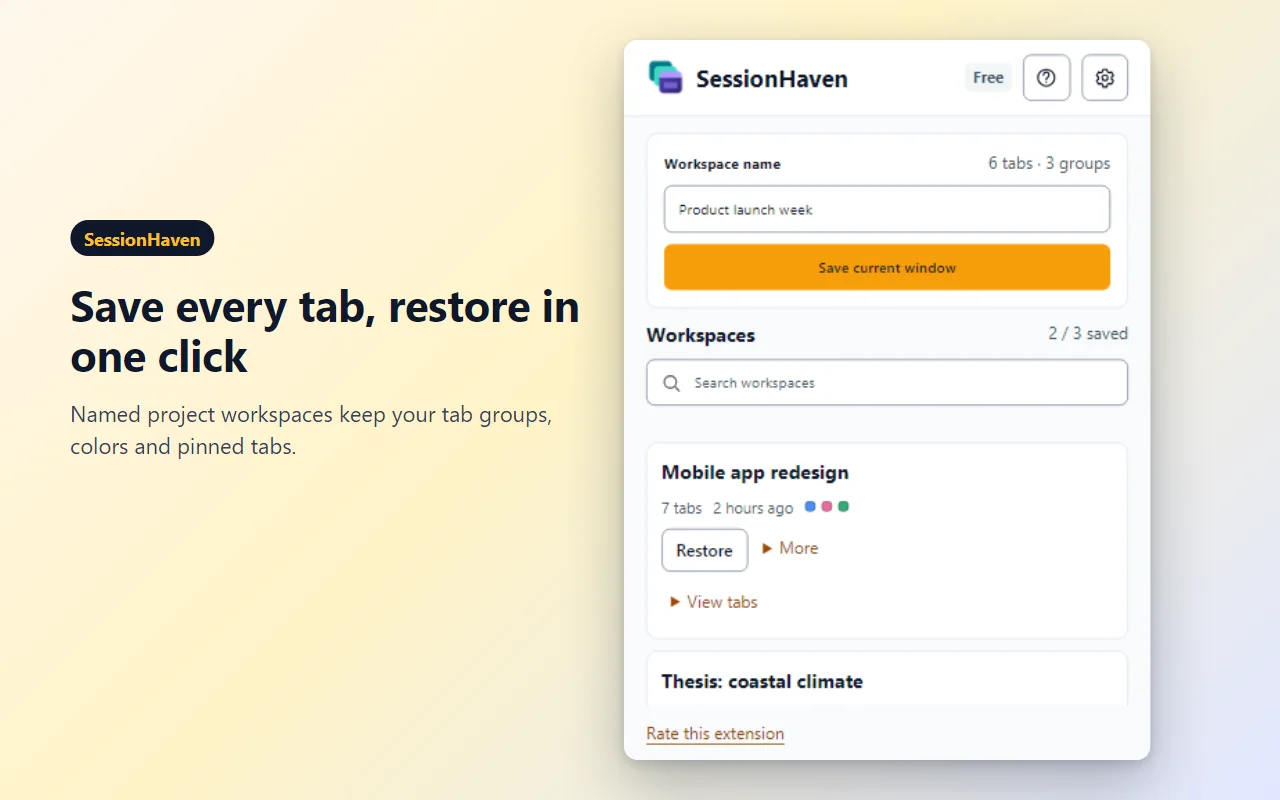
Keep your tab group names, colors, and pinned tabs intact. When you restore a workspace, the exact window structure reappears instantly.
One-click window save and restore
Capture every tab in your current window into a named workspace. Reopen the whole set in a fresh window or append it to your active session.
In-depth tab management
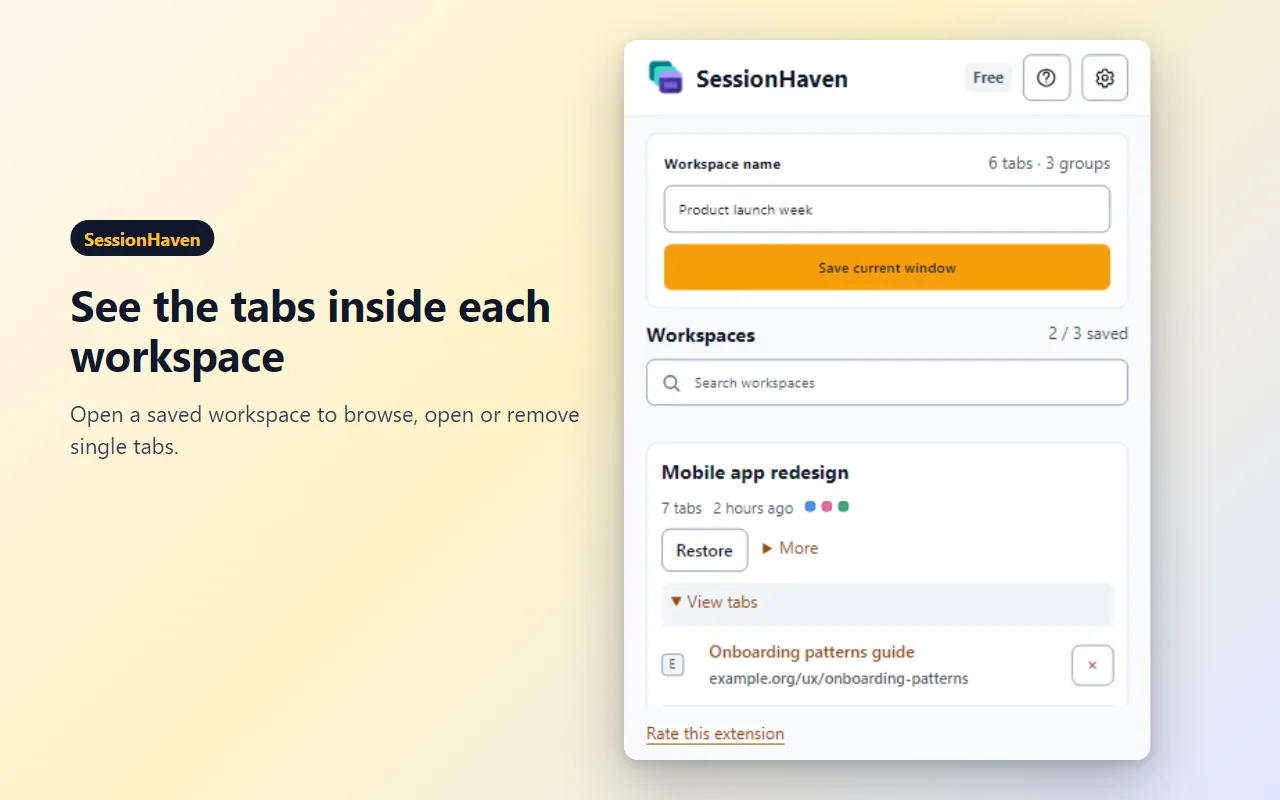
Peek inside any saved workspace to inspect open links. Launch a single tab when you only need one page, or remove tabs you no longer need.
Offline JSON export and import
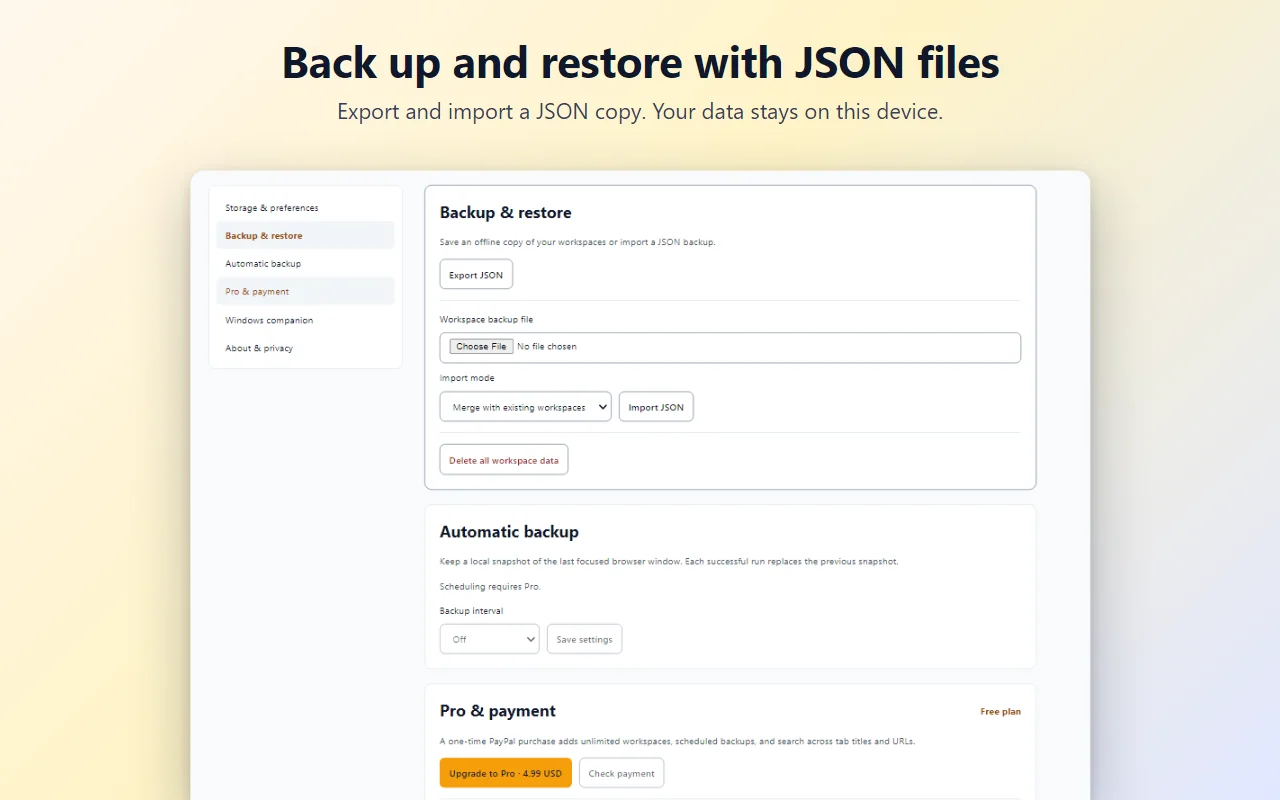
Safeguard your sessions with manual JSON backups. Merge or replace workspaces anytime across different computers without cloud dependencies.
Fast search and keyboard shortcuts
Find workspaces instantly by name from the search bar, or press Alt+Shift+S (Command+Shift+S on macOS) to open the extension anywhere.
Private, crash-proof local storage
Workspaces are written atomically to local device storage. Your links and browsing history never leave your machine and no account is required.
How it works
- Add it to your browser from Microsoft Edge Add-ons or the Chrome Web Store.
- Group your project tabs, open SessionHaven, name your workspace, and click Save current window.
- Click Restore anytime to bring back your tabs and groups, or export a JSON backup in Settings.
Screenshots
Great for
Context switching between projects
Save client projects, research topics, or admin sessions and close the window to free RAM. Reopen the full setup whenever you return.
Multi-topic academic research
Organize literature reviews, citations, and library tabs into named workspaces with color-coded groups so you never lose your sources.
Clean start for daily routines
Stash your end-of-day tabs into a dated workspace, shut down your browser cleanly, and pick up right where you left off tomorrow.
FAQ
How do I save and restore tabs with SessionHaven?
Open the window with the tabs and groups you want to keep, click the SessionHaven toolbar icon or press Alt+Shift+S, enter a project name, and click Save current window. To reopen your tabs later, click Restore on the workspace card to launch them in a new window.
Is SessionHaven private and safe to use?
Yes. Your tab titles, URLs, and group structures remain strictly on your local device. SessionHaven does not use remote analytics, tracking scripts, or external ads. The only optional network connection is to dashboard.loopotter.com if you choose to verify an optional Pro purchase.
Is SessionHaven free?
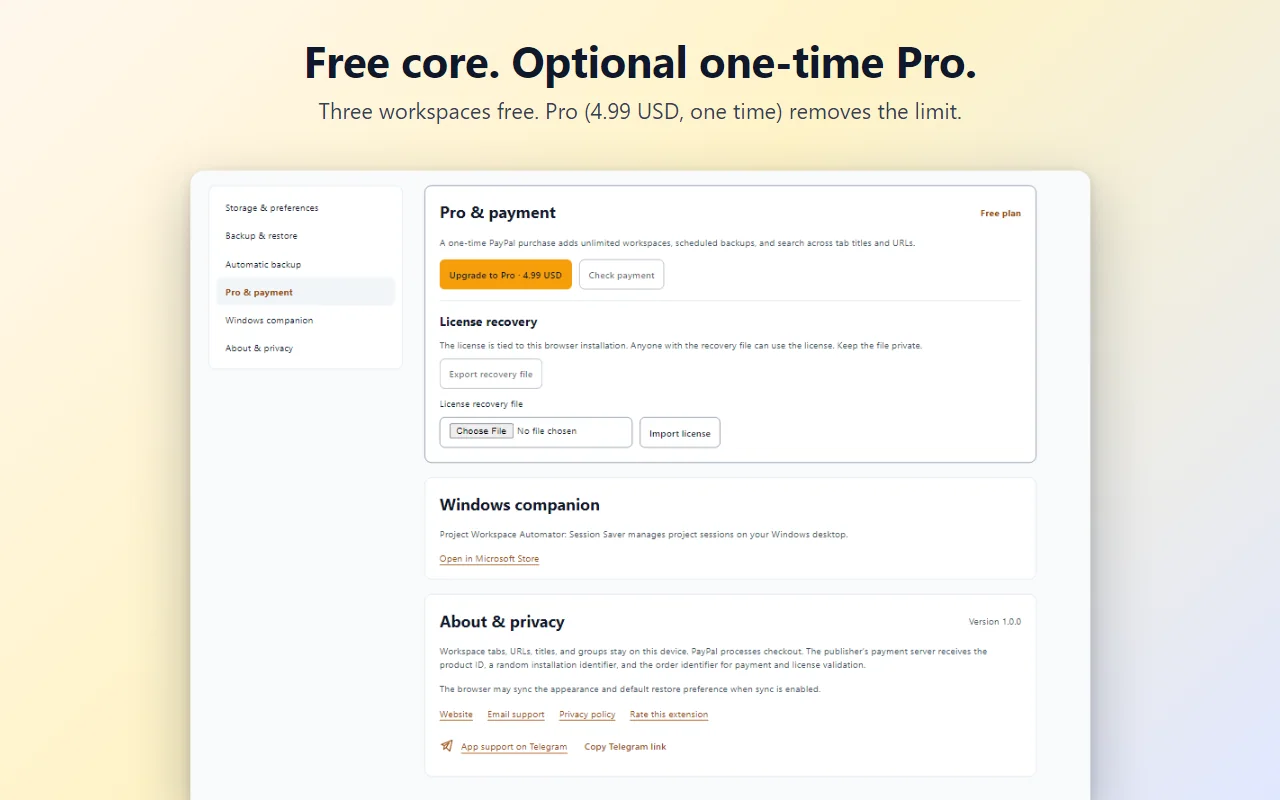
Yes. SessionHaven is free for up to 3 workspaces with unlimited tabs, full tab group support, and offline JSON backup and restore. An optional one-time Pro upgrade (4.99 USD via PayPal) unlocks unlimited workspaces, scheduled local auto-backups, and cross-workspace tab search.
Which browsers does SessionHaven support?
SessionHaven supports Chromium-based desktop browsers including Microsoft Edge, Google Chrome, and Brave. It runs on Windows, macOS, and Linux without needing any background helper software or user account.
Does SessionHaven restore tab groups and colors?
Yes. SessionHaven uses Chromium tab group APIs to record tab group labels and colors (such as blue, green, or red) alongside pinned tabs. When you restore a workspace, the extension recreates every group with its original name and styling.