 Invoice Studio OfflineWindows app
Offline invoice maker for Windows: invoices and quotes as PDF
Create clean invoices and quotes, preview them, and save as PDF. Everything stays on your PC. No account, no sign-up.

Everything you need to invoice offline
Invoice and quote maker
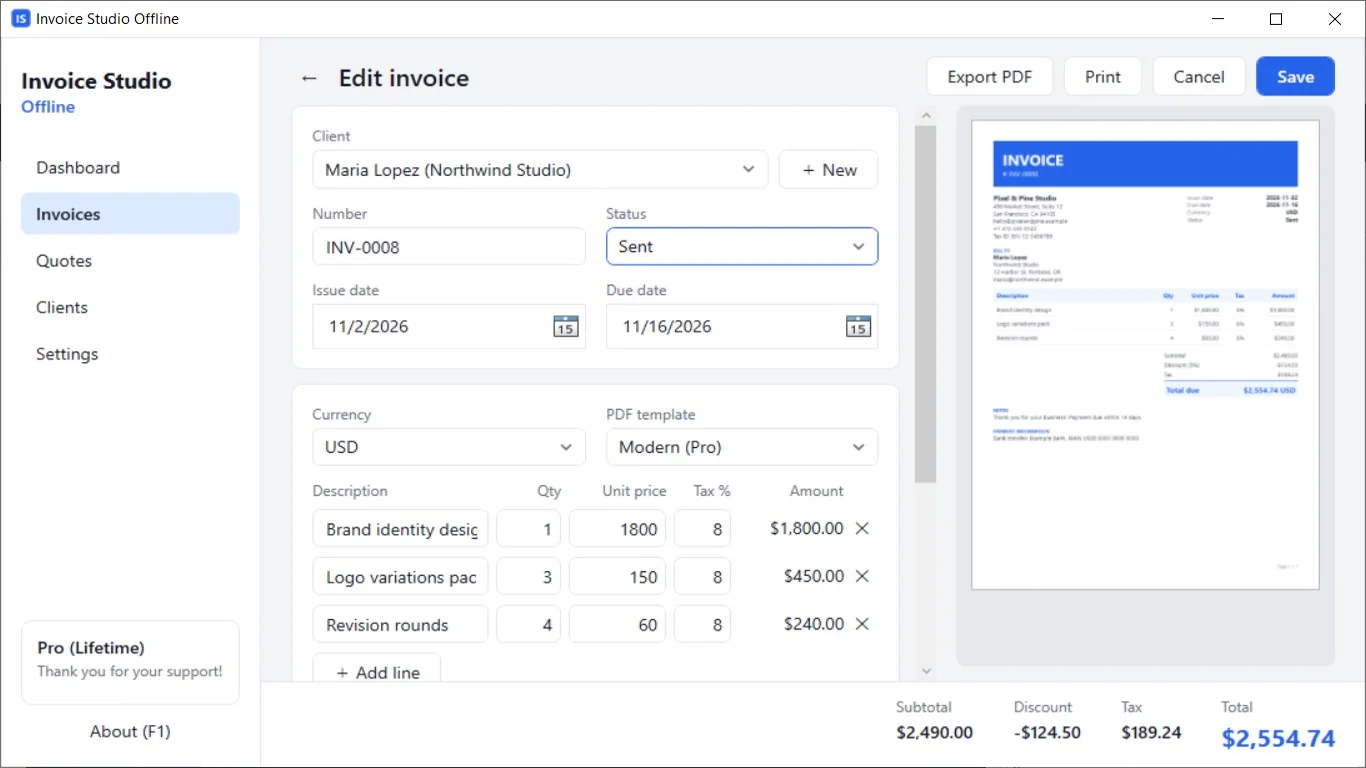
Build invoices and quotes with line items, tax %, and discounts by percent or amount. Totals are calculated for you.
PDF export with live preview
See your PDF update as you type, then save it. Unicode text, including accented names, shows correctly.
Works fully offline
Your data is stored on your PC. No account, no cloud, and no internet needed to make documents.
Client list and auto numbering
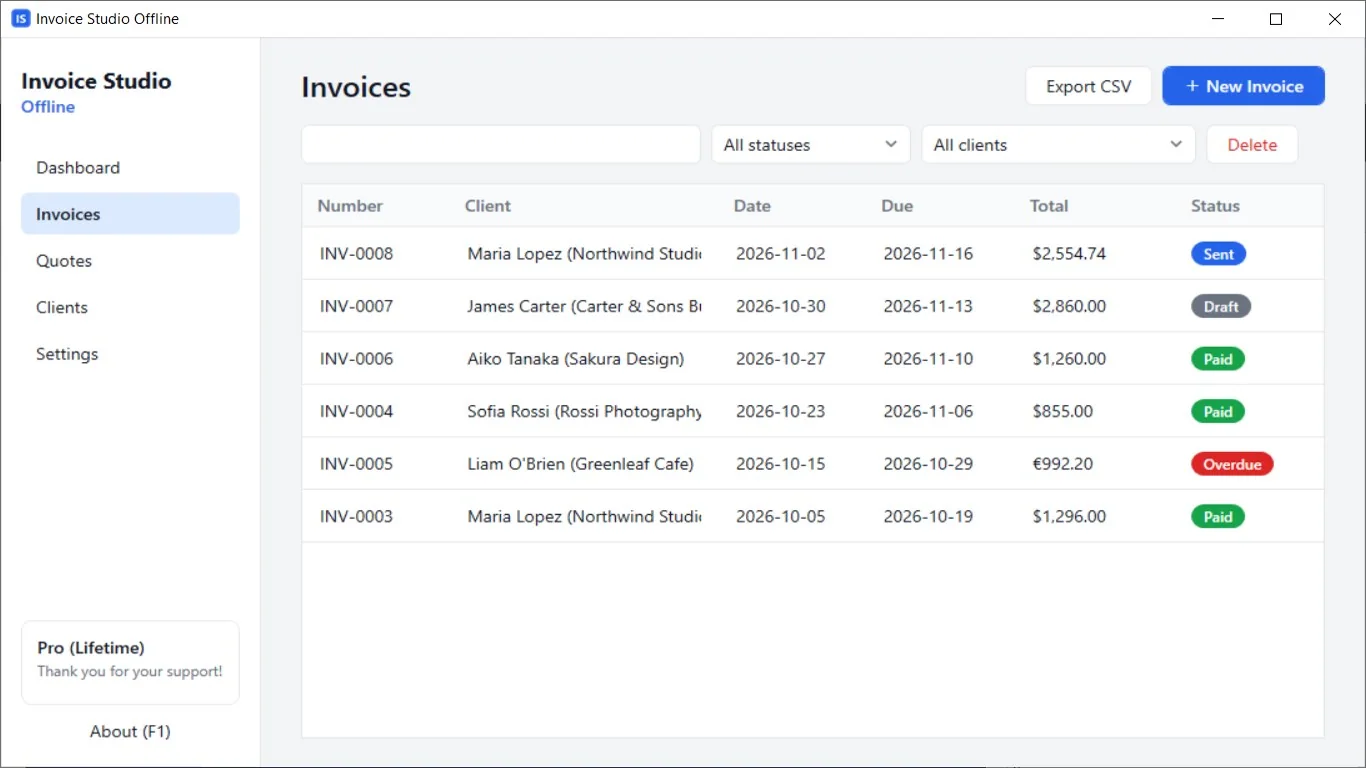
Save clients once and pick them in seconds. Numbers like INV-0001 and QUO-0001 count up for you.
Quote to invoice in a click
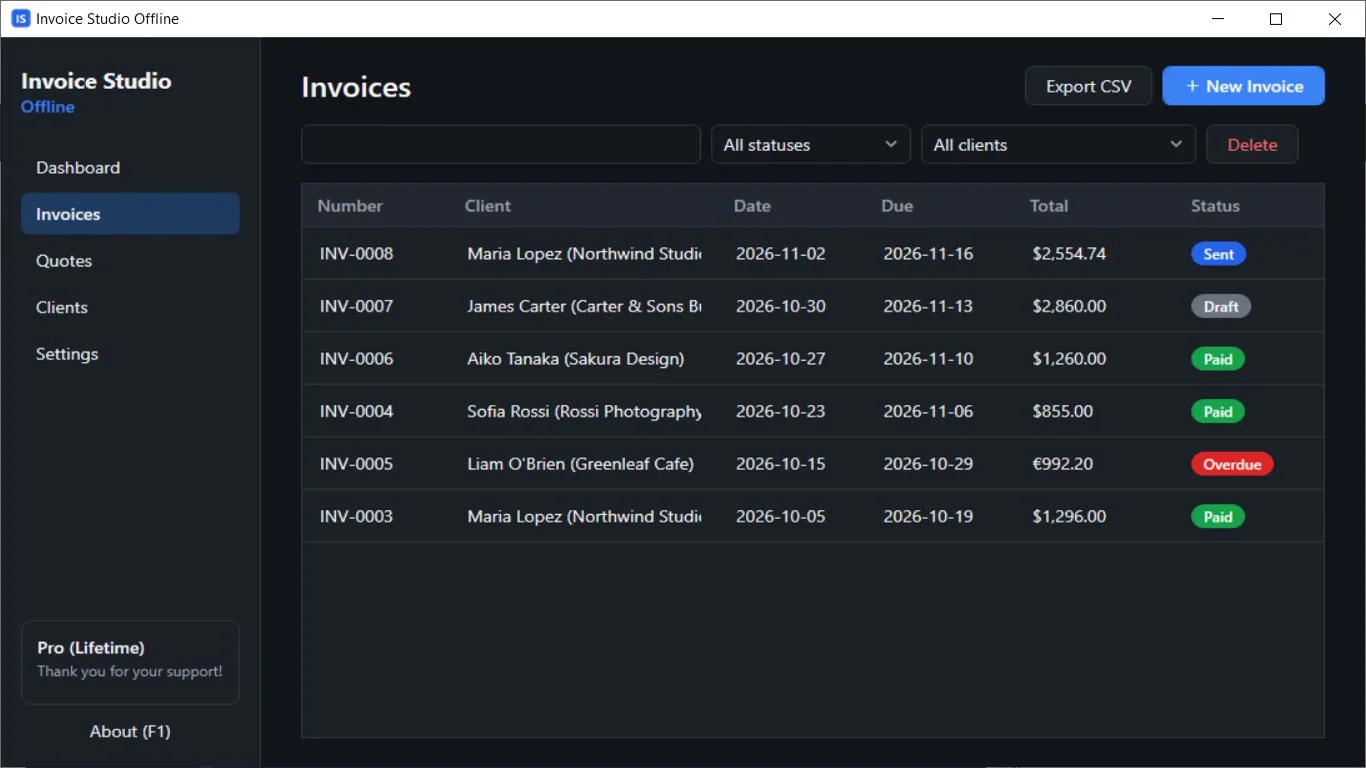
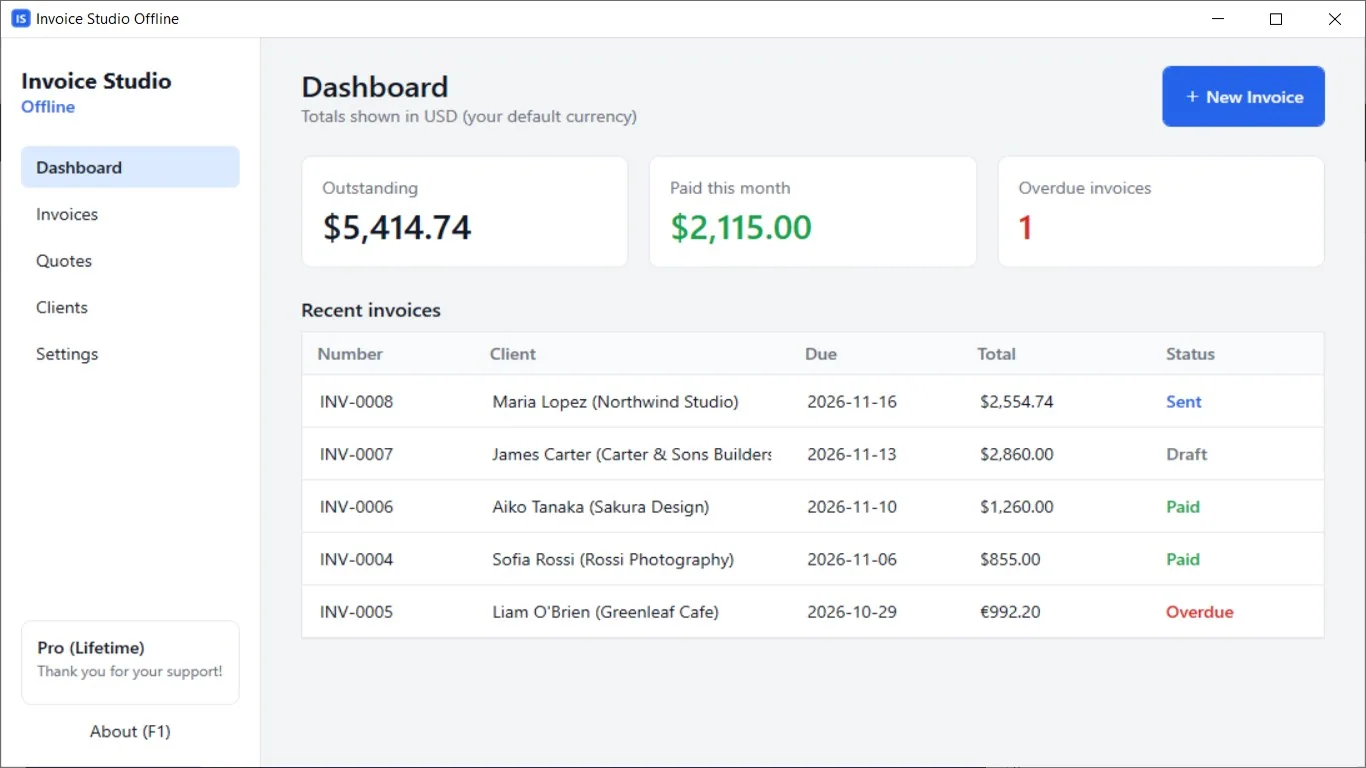
Turn an accepted quote into an invoice. Duplicate past documents to save time. Overdue invoices are flagged.
Many currencies, light or dark
Set your currency, tax, and payment terms once. Choose a System, Light, or Dark theme.
How it works
- Get it from the Microsoft Store and open Invoice Studio Offline.
- Add your business details and clients, then create an invoice or quote.
- Check the live preview and save the PDF to send to your client.
Screenshots
Great for
Freelancers
Send a clear PDF invoice after each project without paying for an online invoicing service.
Small shops and trades
Write quotes on site, then turn them into invoices when the job is done.
Private or offline work
Keep client and billing data on your own PC, even on a machine with no internet.
Invoice Studio Offline Pro
- No monthly limit (free plan: 3 invoices and 3 quotes per month)
- Modern and Classic PDF templates
- Your business logo on PDFs
- No "Created with" footer on PDFs
- Export documents to CSV
- Backup and restore your data as a .zip file
Pay once, keep it for good. The free version has no time limit.
FAQ
Is Invoice Studio Offline free?
Yes. The free plan lets you create 3 invoices and 3 quotes each month with the Clean template. Pro is an optional one-time purchase of 4.99 USD that removes the limits.
Is my data safe and private?
Your clients and documents are stored only on your PC. There is no account and no tracking. The app only goes online to check or complete a Microsoft Store purchase.
Does it work without internet?
Yes. Creating, previewing, and saving invoices and quotes works fully offline.
How do I make an invoice PDF on Windows?
Open the app, add a client and line items, check the live preview, then choose save as PDF. Your invoice is ready to email or print.
What are the system requirements?
A 64-bit (x64) Windows 10 (version 1809 or later) or Windows 11 PC. Install it from the Microsoft Store. The interface is in English.
Can I add my logo to invoices?
Yes, with Pro. The free version creates PDFs without a logo and with a small "Created with Invoice Studio Offline" footer.
Get it free from the Microsoft Store