 Horizon NPU InsightWindows app
NPU monitor for Windows, right in your tray
See NPU, CPU, GPU and battery power in one small floating widget. Light on resources, offline, and no account needed.

Everything your PC is doing, at a glance
Live NPU usage
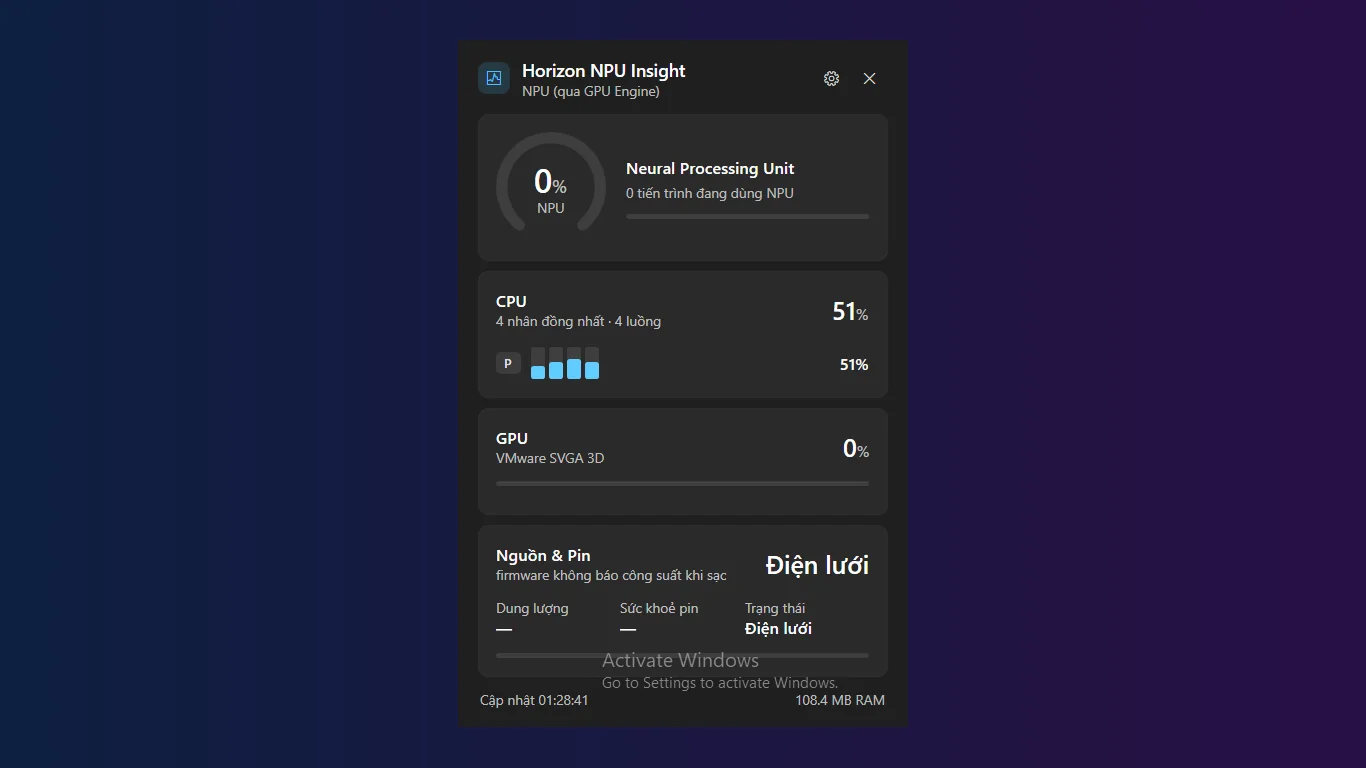
Watch NPU load with a gauge and a sparkline, so you can see when AI features are really using your neural chip.
CPU with P-core and E-core groups
See total CPU load and a grid of individual cores, grouped by performance and efficiency cores.
GPU load and VRAM
Check GPU load and video memory use. The GPU card hides itself if your PC has no GPU counter.
Power and battery details
Track power draw in watts, battery percent, AC status and battery health in one card.
A widget that fits your desktop
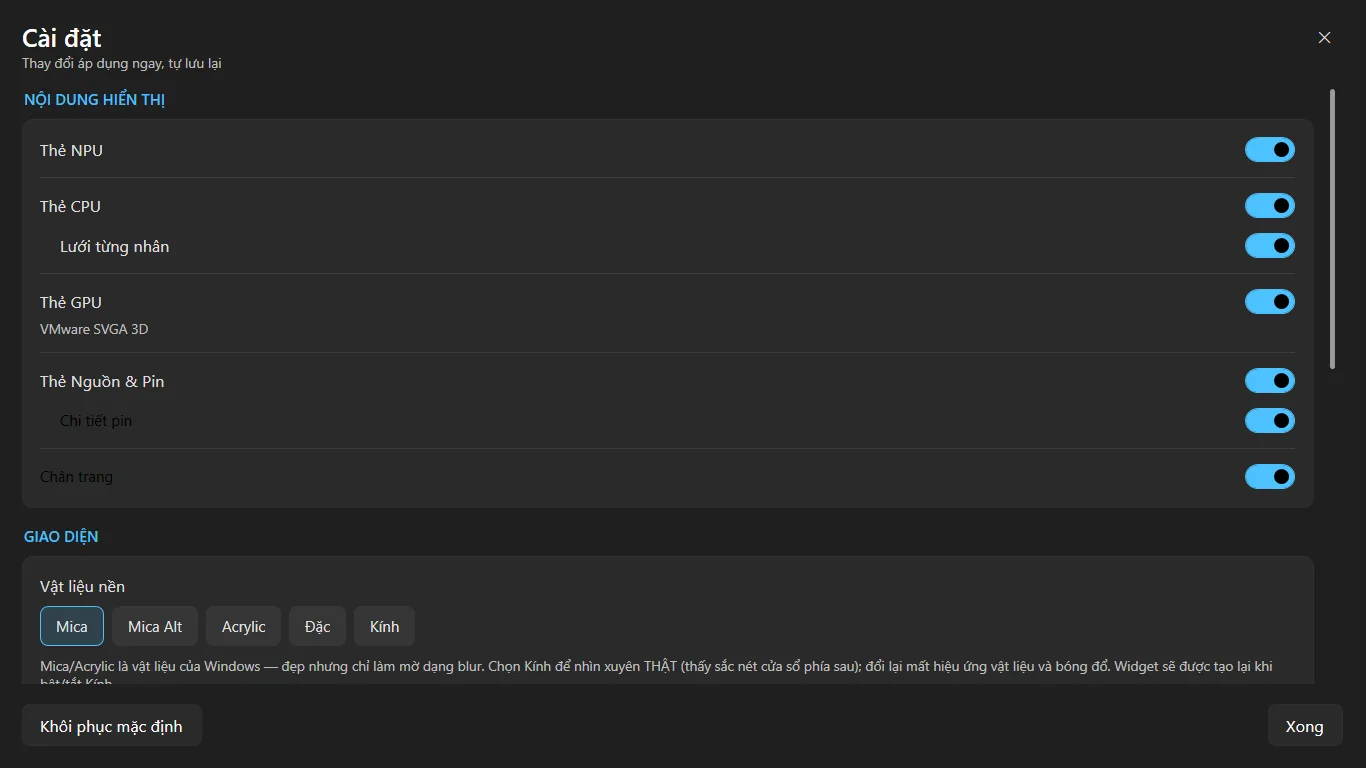
Pick Mica, Acrylic, solid or glass. Set transparency, always on top, auto hide and refresh speed.
Light, private and offline
Runs in the tray and uses very little CPU while the widget is closed. No account. Your data stays on your PC.
How it works
- Get it from the Microsoft Store and launch it. An icon appears in your system tray.
- Click the tray icon to open the floating widget next to it.
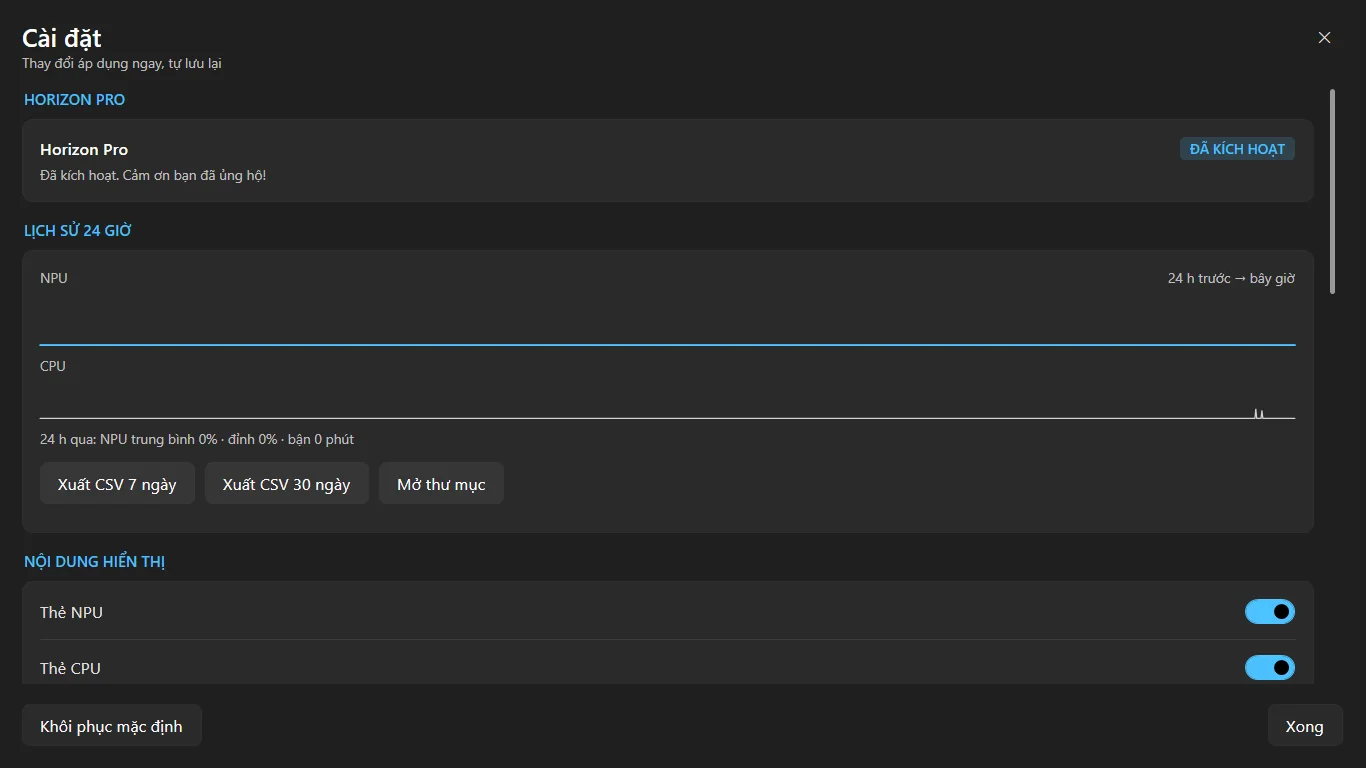
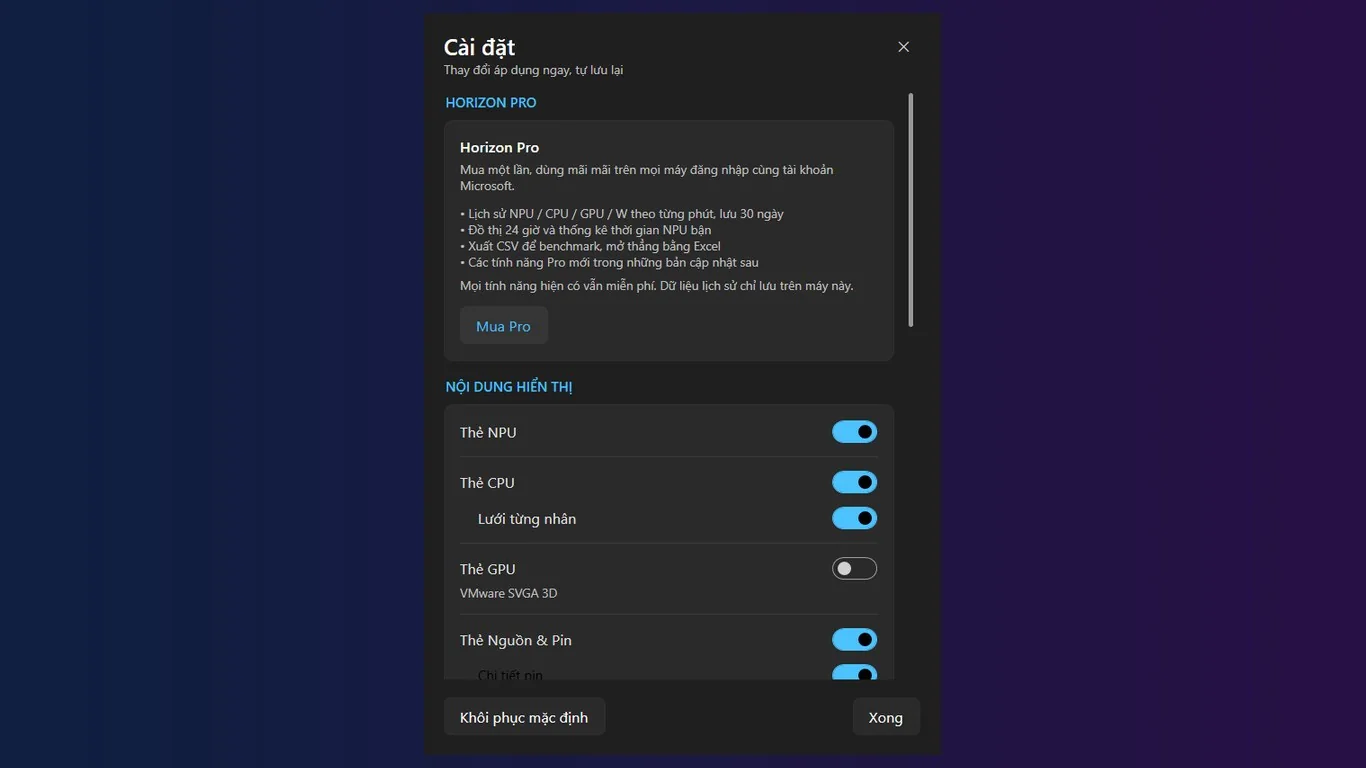
- Turn cards on or off and pick your look in Settings. Changes apply right away.
Screenshots
Great for
Check that AI apps use your NPU
Run an AI feature and watch the NPU card to see whether the work lands on the neural chip.
Spot what slows your PC
Compare NPU, CPU and GPU load side by side to see which part is busy.
Keep an eye on laptop power
Watch watts and battery level while you work to see what drains your battery.
FAQ
What is an NPU monitor?
An NPU is the neural processing chip in Copilot+ PCs that runs AI tasks. An NPU monitor shows how busy it is. Horizon NPU Insight shows this in a small tray widget.
Is Horizon NPU Insight free?
Yes. It is free to get from the Microsoft Store.
Is it safe and private?
It works offline, needs no account and has no telemetry. Your settings are stored only on your PC. Uninstalling removes the local data.
Which PCs does it work on?
It is built for Windows 11 and Copilot+ PCs, on 64-bit (x64) Windows. NPU data needs a PC with an NPU. Without one, that card shows a status or hides.
Will it slow my PC down?
No. It samples often only while the widget is in view and slows down when it is not. It uses very little CPU in the background.
How do I open the widget?
Click the tray icon. Right-click it for Settings, to reset the widget position, or to quit.
Get Horizon NPU Insight free