 Background Auto Typer - Smart Key PresserWindows app
Background Auto Typer: Send Keys Without Stealing Focus
Press keys, type text and run macros in another window while you keep working in yours. A smart key presser for Windows that works fully offline.

Everything you need to automate typing
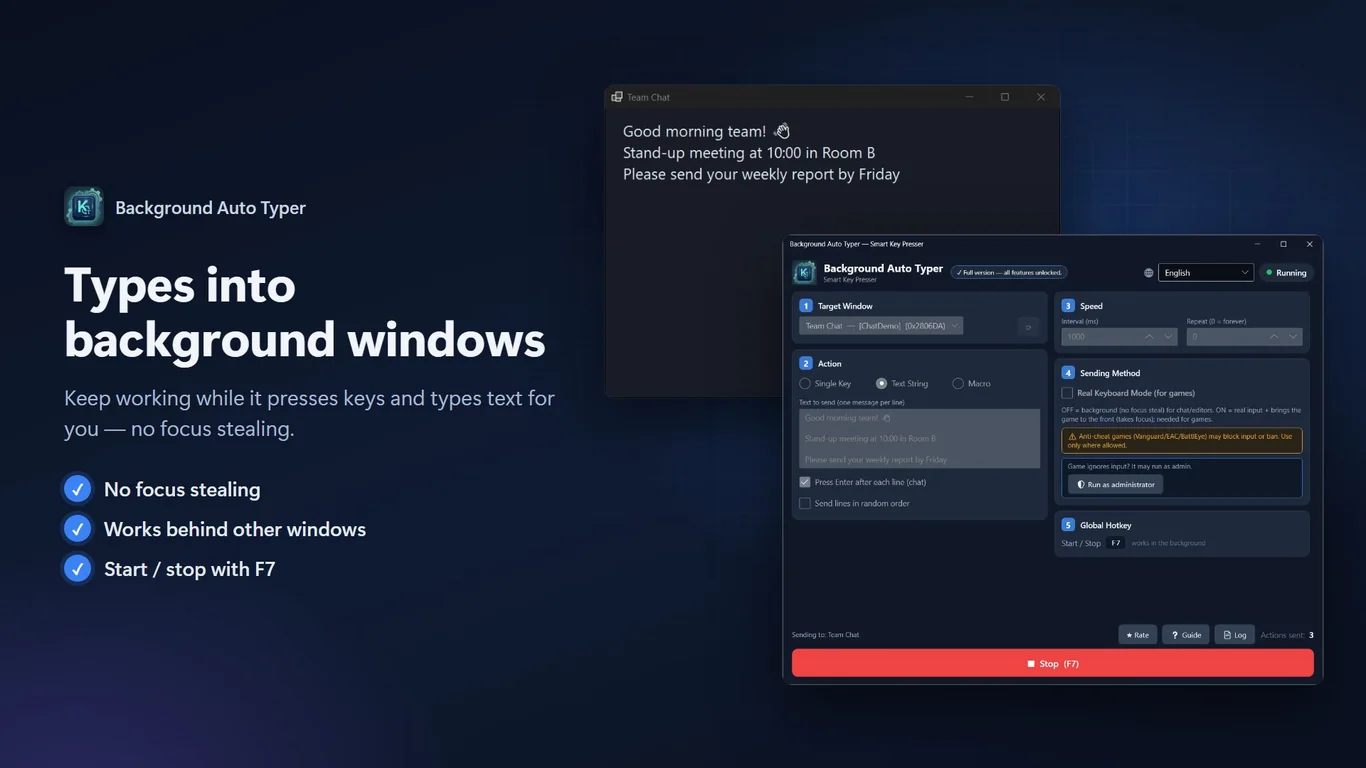
Works in background windows
Pick any open window and send input to it. Your current window keeps focus, so you can keep working.
Single key or text lines
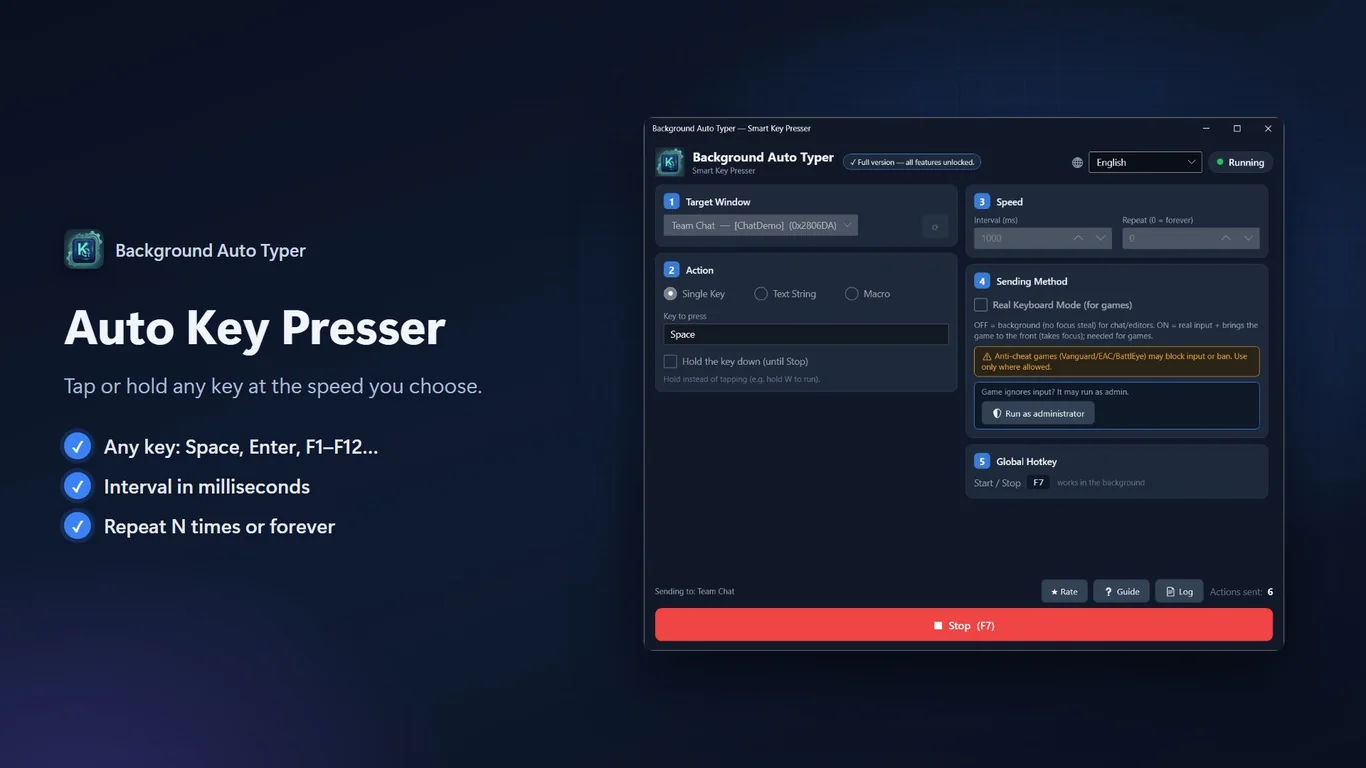
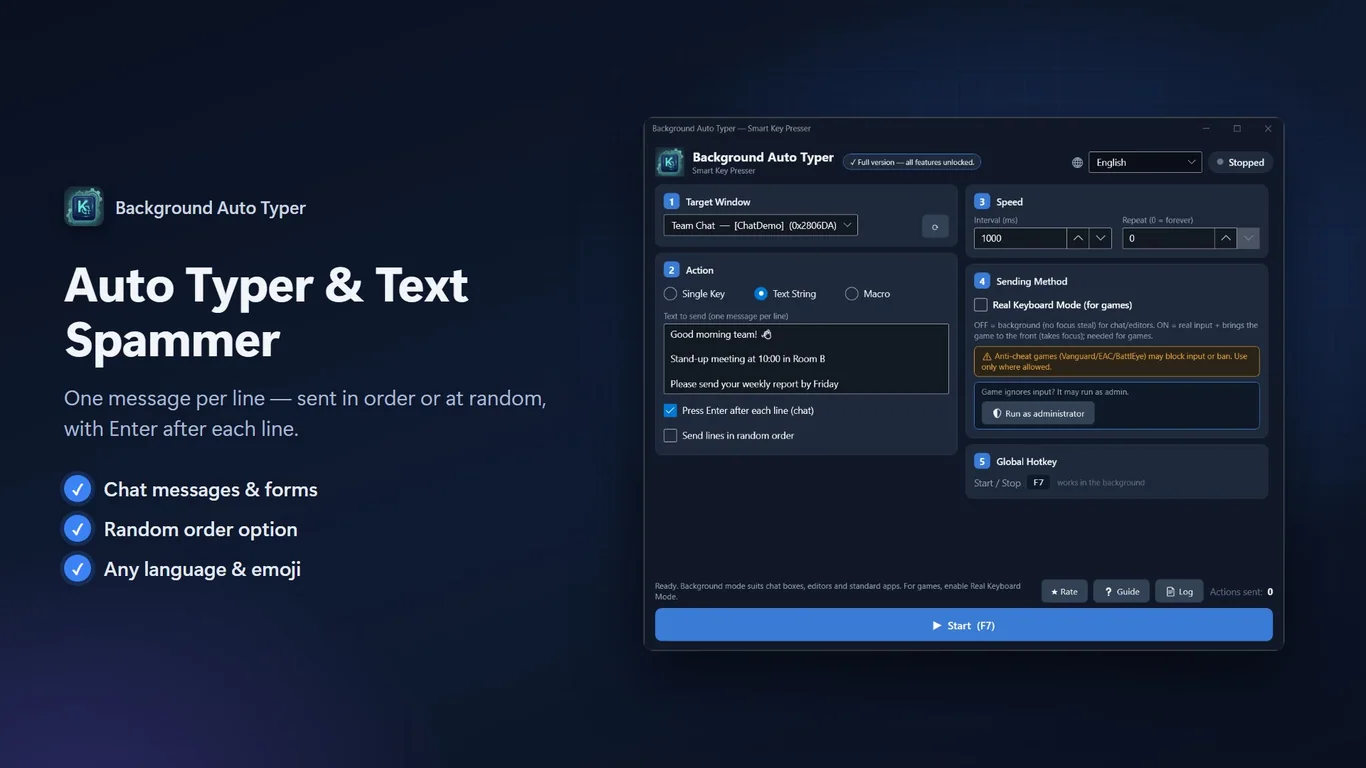
Repeat one key, with an optional hold. Or type your own lines of text, with Enter after each line and an optional random order.
Macros with keys and mouse
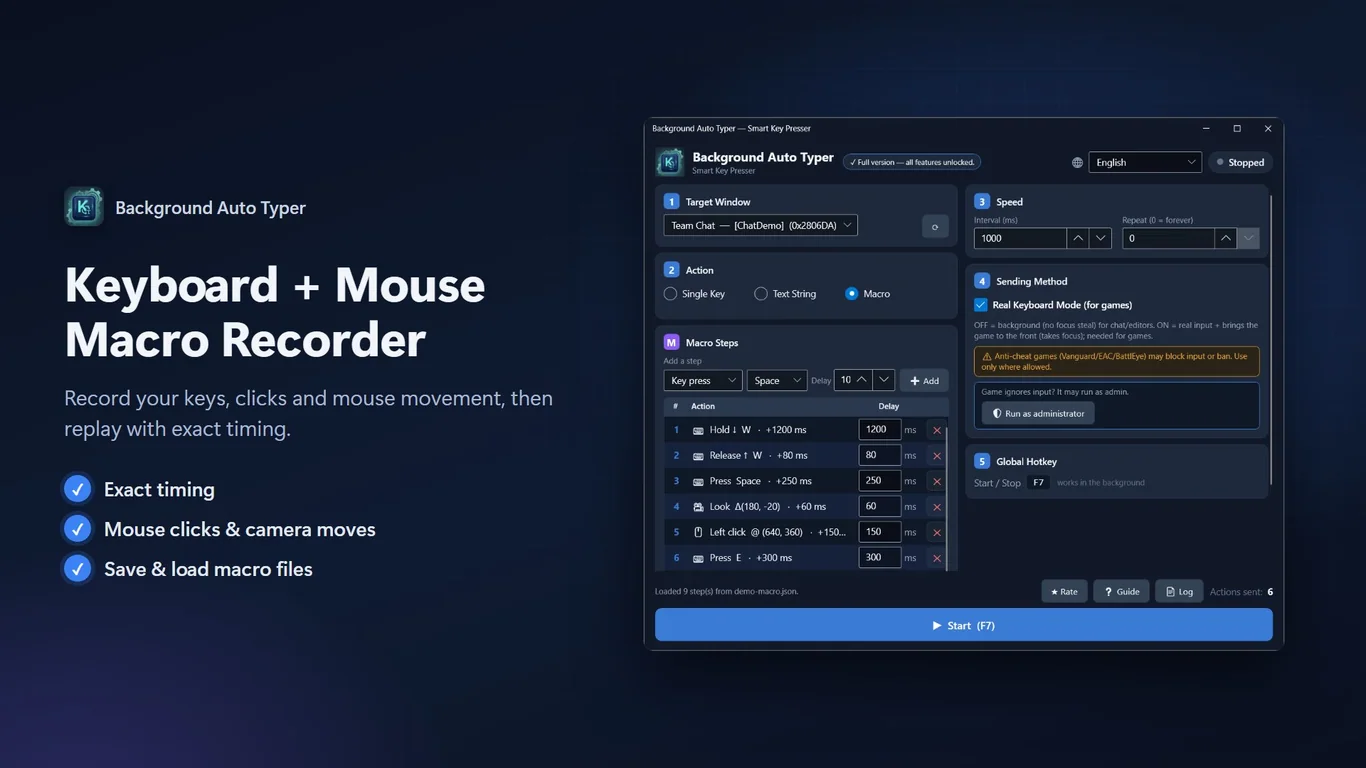
Chain key presses, typed text, delays, mouse clicks and cursor moves. Record a macro, then save and load it as a .json file.
Control speed and repeats
Set the interval in milliseconds and how many times to repeat. Set repeat to 0 to run until you stop it.
Global Start/Stop hotkey
Start and stop from anywhere with a hotkey, even when the app is in the background.
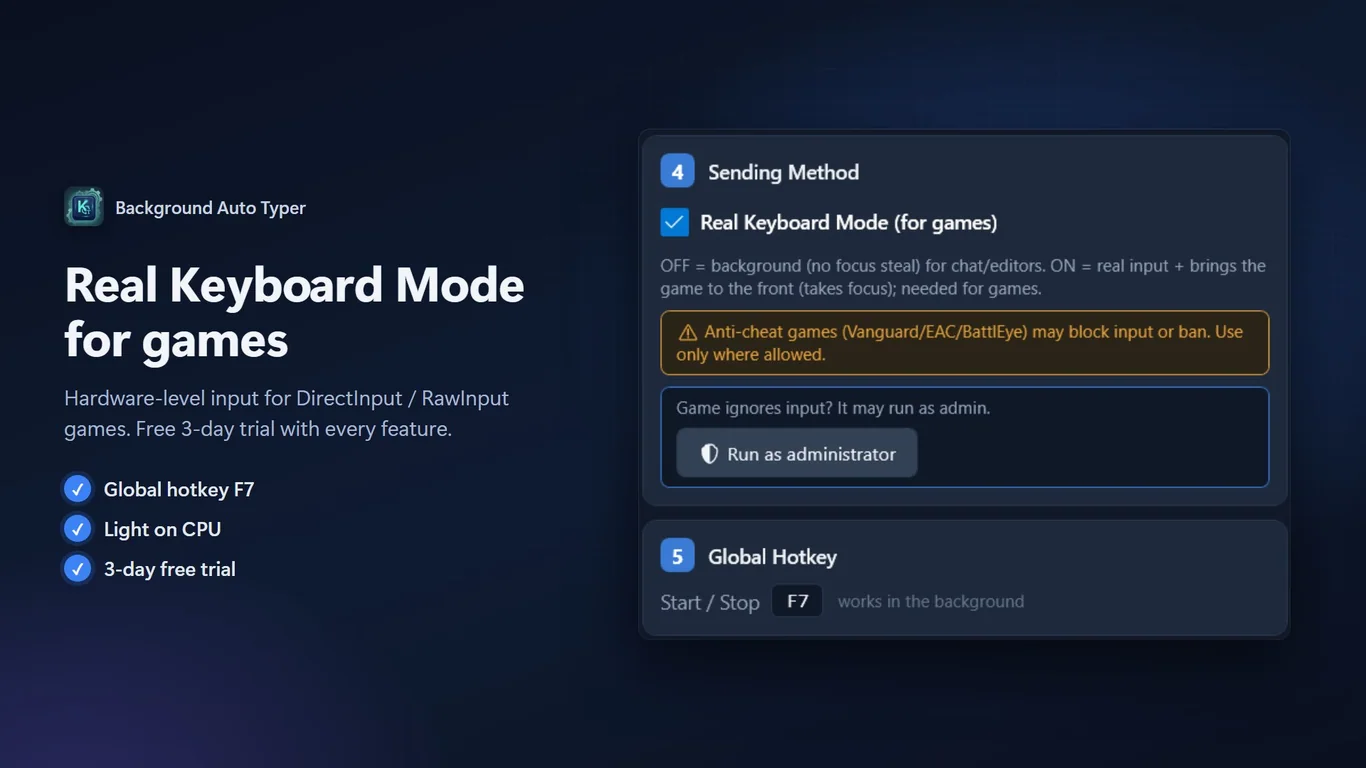
Real Keyboard Mode, 20 languages
Bring the target window to the front and send real input when needed. The app is available in 20 languages.
How it works
- Get it from the Microsoft Store and open Background Auto Typer.
- Pick the target window, then choose a key, text or macro and set the speed.
- Press Start or your hotkey. Press it again to stop.
Screenshots
Great for
Repeat a key in another window
Send the same key at a steady interval to a window that stays in the background.
Send repeated text messages
Type a list of lines into a chat or form, one line at a time, in order or at random.
Automate routine steps
Record a short sequence of keys and clicks once, save it, and replay it whenever you need it.
Unlimited repeat
- Removes the 1,000 actions per day limit
- One-time purchase, no subscription
- Also included in the other paid add-ons
Every feature is unlocked during the 3-day trial, so you can try it first.
FAQ
How do I send keys to a background window?
Open the app, pick the target window from the list, choose a key, text or macro, set the interval, and press Start. The target window does not need focus.
Is Background Auto Typer free?
It is free to download. All features are unlocked for the first 3 days. After that, Single Key mode stays free up to 1,000 actions a day. Optional add-ons cost 0.99 to 6.99 USD.
Is it safe and private?
The app has no ads, no analytics and no network features. It needs no account. Your macros are saved only as files you choose.
What are the system requirements?
A 64-bit (x64) Windows PC with the Microsoft Store. The app is installed from the Store and supports 20 interface languages.
Does it work in games?
Use Real Keyboard Mode for games. It brings the window to the front and sends real input. Some games or anti-cheat tools may still block simulated input.
Can I save and reuse macros?
Yes. Record or build a macro, then save it as a .json file and load it later. Macros can include keys, text, delays and mouse actions.
Get Background Auto Typer from the Store